156 Chapter 4: Development Tools
TI-83 Plus Developer Guide Third Release May 28, 2002
Save/Display/Compare Calculator Screens
Select Tools, then Save Current Calculator Screen to save the current calculator screen into a
file (*.dat). Select Tools, then Display a Calculator Screen to display a saved calculator screen.
Select Tools, then Compare Two Calculator Screen to compare two saved calculator screens.
Note: The Tools menu is also available by right-clicking on the calculator window.
Terminating a Session
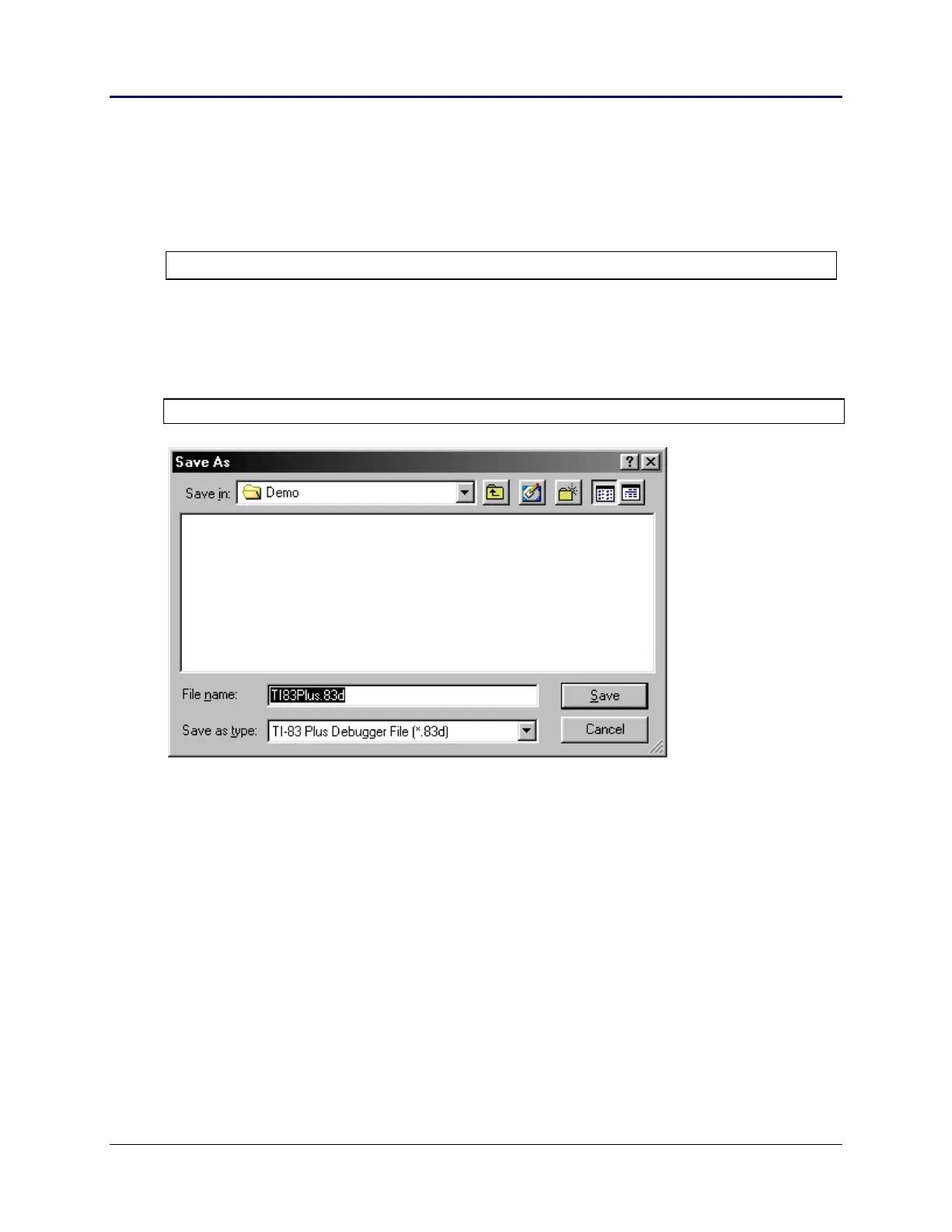
Selecting Close from the File menu allows you to save the current debugging session.
Note: The default extension is .83d. This action also saves the <xyz>.clc file.
Support in Writing Applications
There are various sources for help in writing TI-83 Plus applications. A few of these
resources include:
TI-83 Plus Developer’s Guide (this book).
TI-83 Plus Graphing Calculator Guidebook
TI-83 Plus Tutorials @ http://education.ti.com/developer/deselect.html
















 To Next Page