AS 680/682
Description, Operation and Maintenance Basic Installation LCMS/RCMS
ADS−B
8−1Ed. 10.07
CHAPTER 8
BASIC INSTALLATION OF LCMS AND RCMS
8.1 SCOPE
This chapter describes the installation of the Linux operating system on the LCMS and the RCMS
and the installation of the application software. After the basic installation another section describes
specific LCMS and RCMS installation and configuration processes.
The package for the basic installation comprises 3 CD/DVD:
S the operating system software, i.e. KANGAROO 6,
S the ADS−B application software, i.e. ADS−B Software, and
S the Configuration software.
8.2 INSTALLATION OF KANGAROO 6
Kangaroo 6 is a customized Linux operating system based on the Fedora Core distribution. The instal-
lation generates new partitions on the hard disk.
CAUTION
If there are data on the hard disk you want to keep, create a backup before installing the
RCMS/LCMS as this will delete all data on the harddisk.
8.2.1 Preparation
First plug−in the AC−power switch of the RCMS PC and of the screens, resp. of the LCMS laptop.
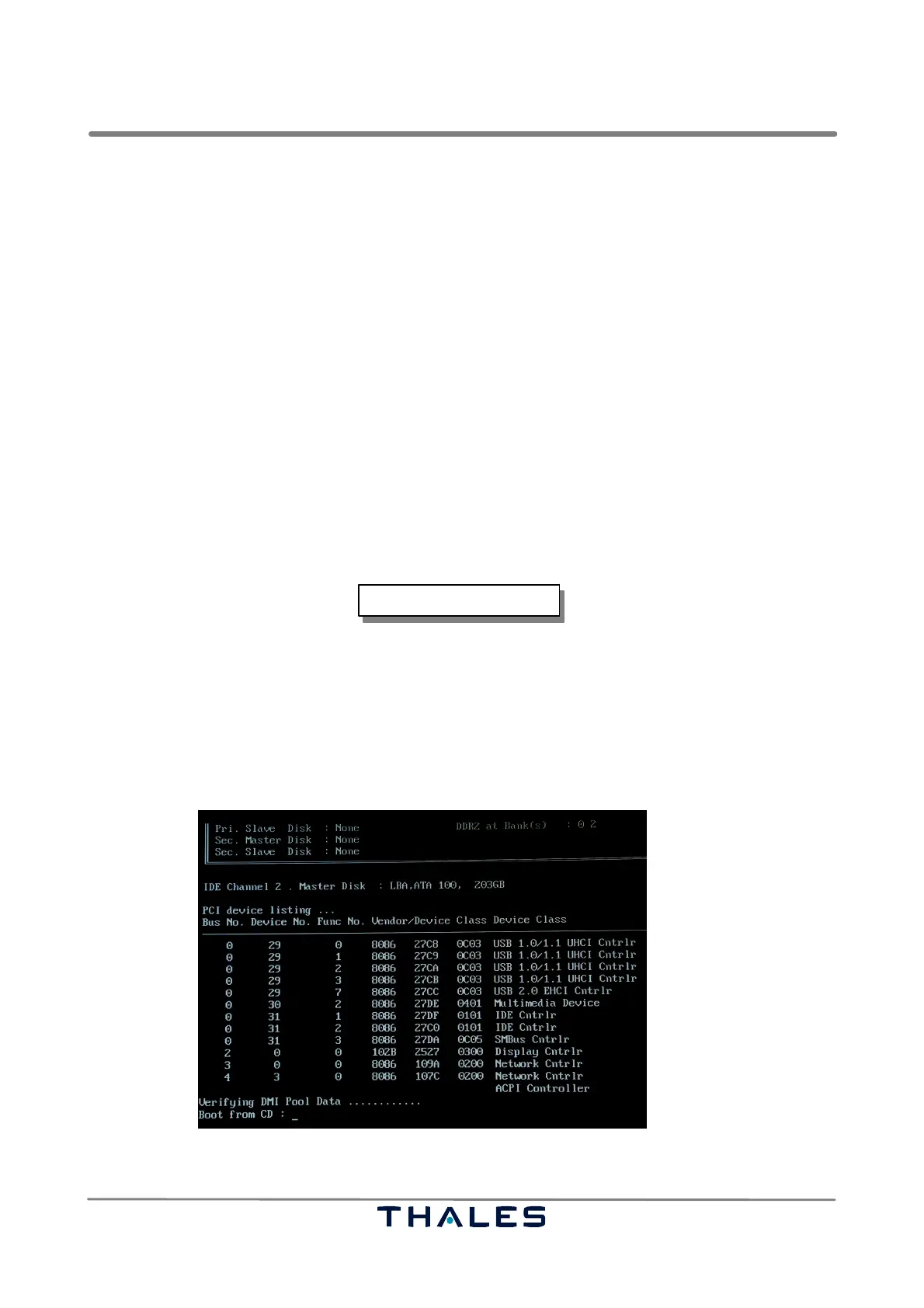
Load the Kangaroo 6 CD/DVD. The installation starts by booting from DVD (see Fig. 8−1).
Fig. 8−1 Boot sequence (example)



 To Next Page