AS 680/682
Description, Operation and Maintenance LCMS/RCMS Application Software
ADS−B
4−1Ed. 10.07
CHAPTER 4
USE OF LCMS/RCMS APPLICATION SOFTWARE
4.1 OVERVIEW
The application software on both systems, the LCMS and the RCMS, support the exchange and han-
dling of the data. The status as well as all functions and parameters of the Ground Station are moni-
tored and controlled system−wide via the Simple Network Management Protocol (SNMP).
The controlled unit (Ground Station) has one or more local SNMP agents or daemons having access
methods to the parameters under control, the controlling entities (LCMS and RCMS) include the
SNMP manager(s). The SNMP implementation allows sensible commands and actions, a user role
concept with specified user access levels and authentication is implemented.
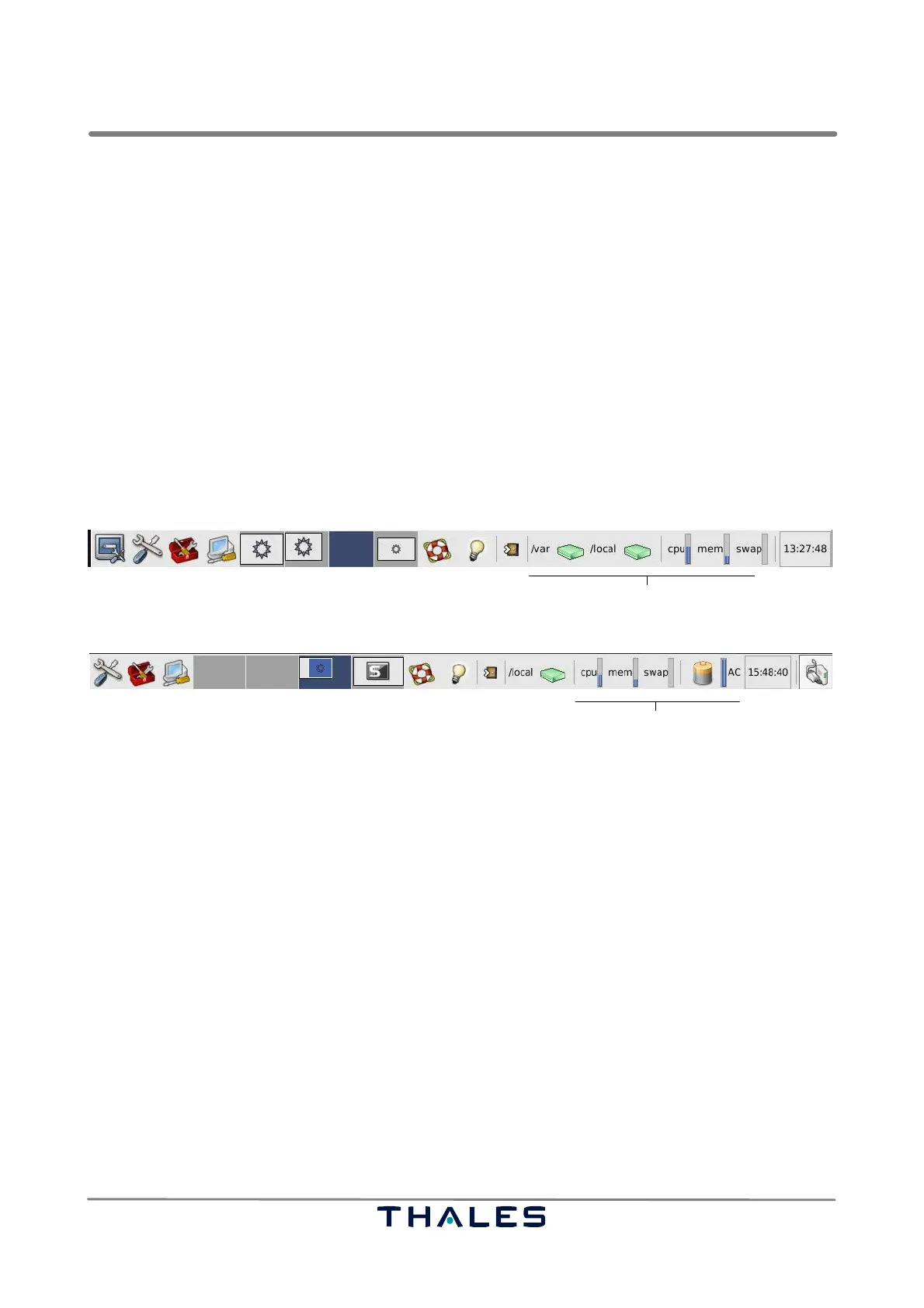
The RCMS and the LCMS include a set of application software, available for the user in the desktop
panel (see Figures 4−1 and 4−2) at the bottom of the RCMS screen 0 and the LCMS screen.
MTSC
TSC
ADS–B
Tools
Misc.
Tools
System Info (opt.)
Fig. 4−1 RCMS desktop panel with the set of application software (example)
TSC
ADS–B
Tools
Misc.
Tools
System Info (opt.)
Fig. 4−2 LCMS desktop panel with the set of application software (example)
The set of application software comprises:
− The TSC (Technical System Control) on the RCMS and the LCMS is a dedicated SNMP manager,
that extends the standard MIB by a few useful add−on functions based on a proprietary protocol
(see section 4.2). The main functionality is to monitor the state of the Ground Station and to alarm
a user in case of malfunction.
− Within the RCMS at the remote site (e.g. ATC−Center) the TSC is integrated into a hierarchical
MTSC (Master Technical System Control). The top level of the MTSC presents the system status
as a simplified map with the Ground Station site for further selection (see section 4.3). The MTSC
can be started by a ’Monitor User’ as well as by a ’Supervisor’.
− The TSD (Technical Situation Display) on the RCMS and the LCMS displays in real time the
ADS−B traffic situation as acquired by the selected Ground Station (see section 4.4). The tool is
available for the user via the desktop panel menu ’ADS−B Tools’. The Display Configuration tool
(see section 4.5) is a tool to edit the configuration file used by the TSD. The TSD can be started
by a ’Monitor User’ as well as by a ’Supervisor’.
− A set of record and replay tools on the RCMS and the LCMS is installed for recording/replaying
the raw decoded Mode S data and the ASTERIX CAT 21/ CAT 23 data (see section 4.6). These tools
are also available for the user via the desktop panel menu ’ADS−B Tools’.



 To Next Page