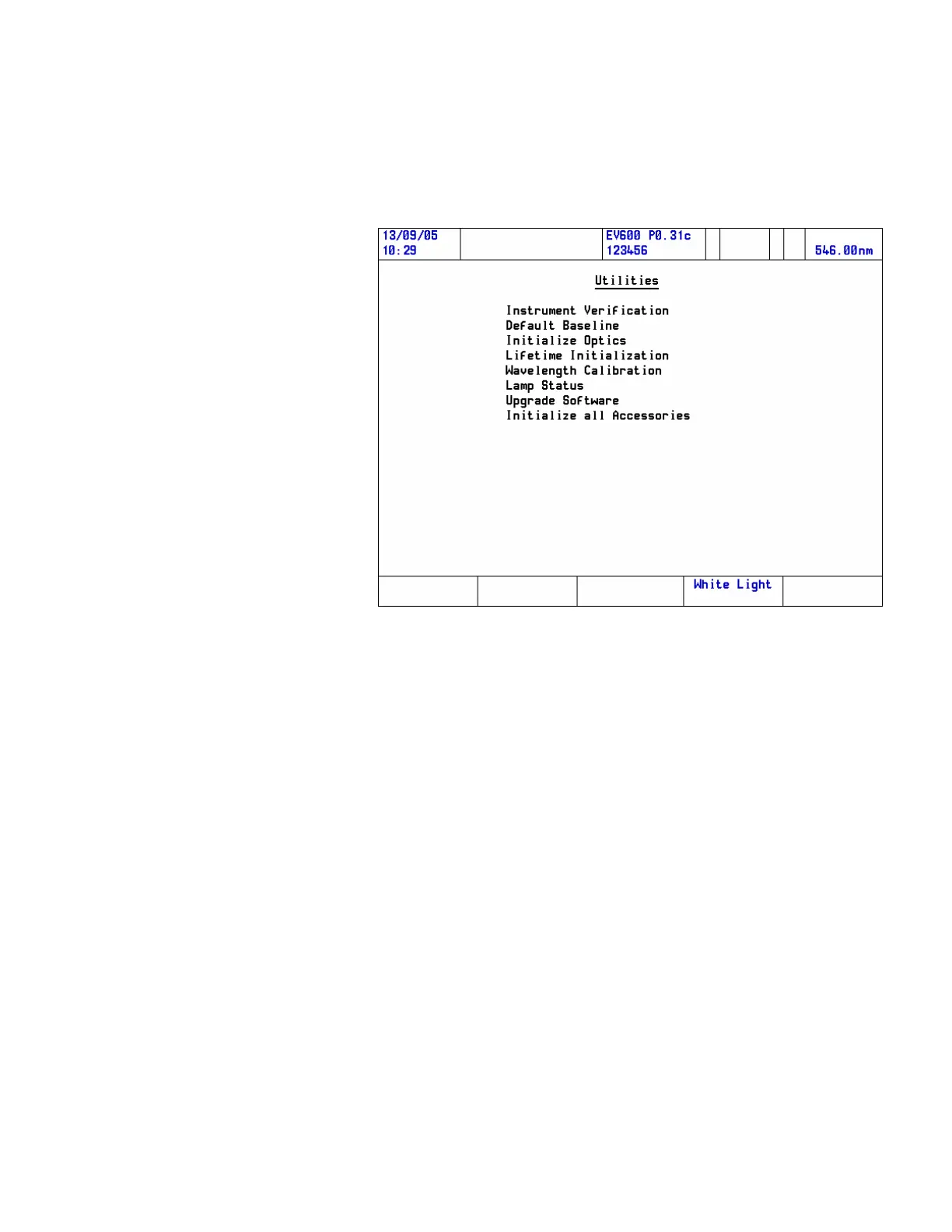
The instrument will align the monochromator so that the zero order
diffraction of the lamp(s) (white light) passes through the sample
compartment. This provides a beam of white light, which can be seen
when a business card or similar target is placed in the light path.
3. Place the cuvette in the cell holder and loosen the securing screw A
by turning it counterclockwise.
4. Use adjustment screw B to align the cuvette so that the light beam
falls on the cell aperture.
Note Turning adjustment screw B clockwise moves the cell holder towards the
front. Turning it counterclockwise moves the cell holder towards the
rear.
When the cell holder is aligned properly, the white light will not be
seen on the edges of the cell holder.
5. Tighten securing screw A to secure the cell holder position.
When you have finished aligning the accessory in the beam, exit White
Light mode by pressing White Light Off. This returns the
monochromator to its normal position ready to continue taking
measurements.
Thermo Fisher Scientific Evolution 300 and Evolution 600 User Guide 11












 To Next Page