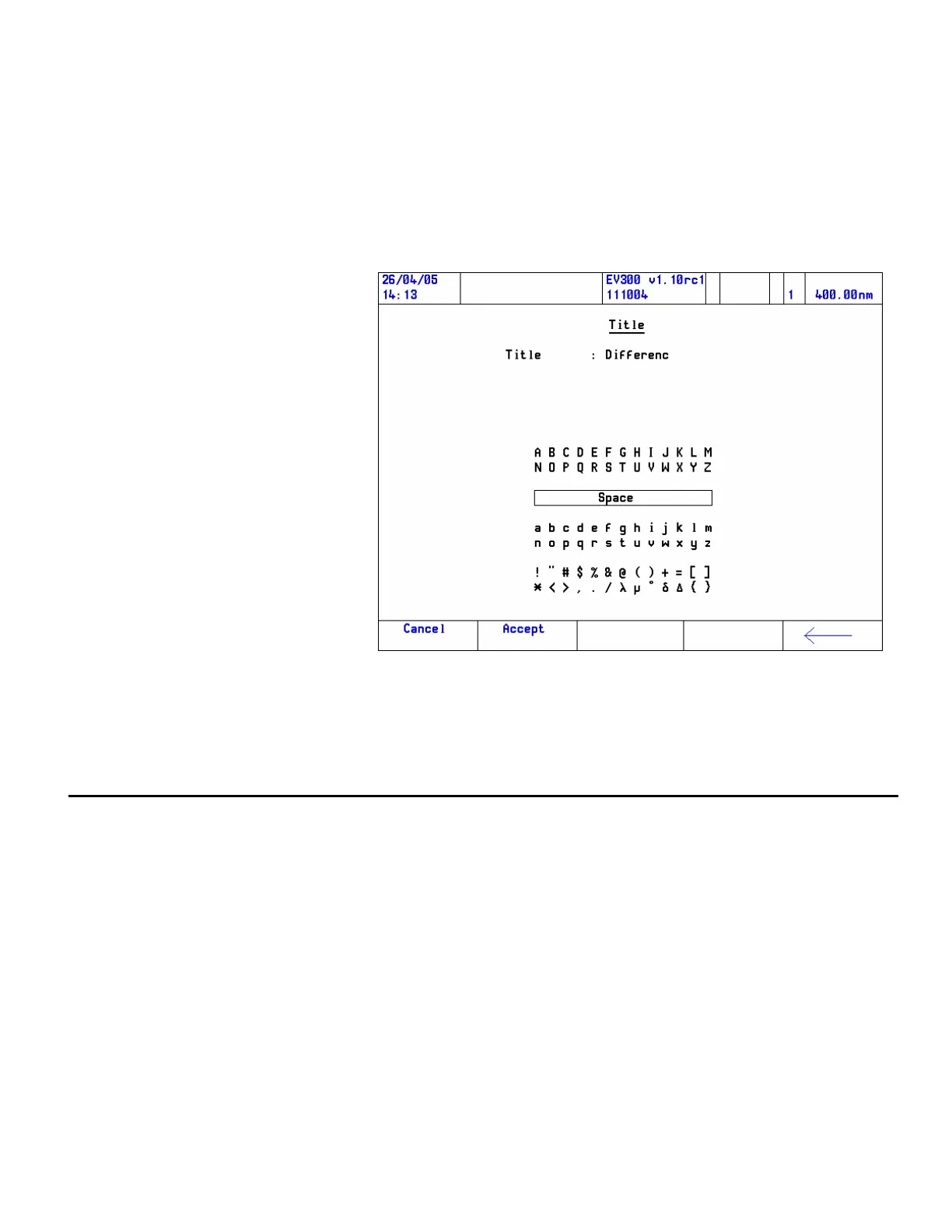
6. Add title to equation, if required.
From the Equation Entry page, it is possible to enter a title for the
equation, units for the results and to enable the result to be tested in
order to establish whether it falls between defined limits. Here is an
example:
In each case, highlight the item and pres Enter and then enter the test
and/or numbers in the usual way.
Instrument verification tests
The menu may contain fewer items than are shown, depending on the
accessories installed.
Note Turn on the instrument at least an hour before starting performance
qualification tests.
1. From the Main Menu page, press the Utilities function key.
2. Highlight Instrument Verification and press Enter.
Thermo Fisher Scientific Evolution 300 and Evolution 600 User Guide 71












 To Next Page