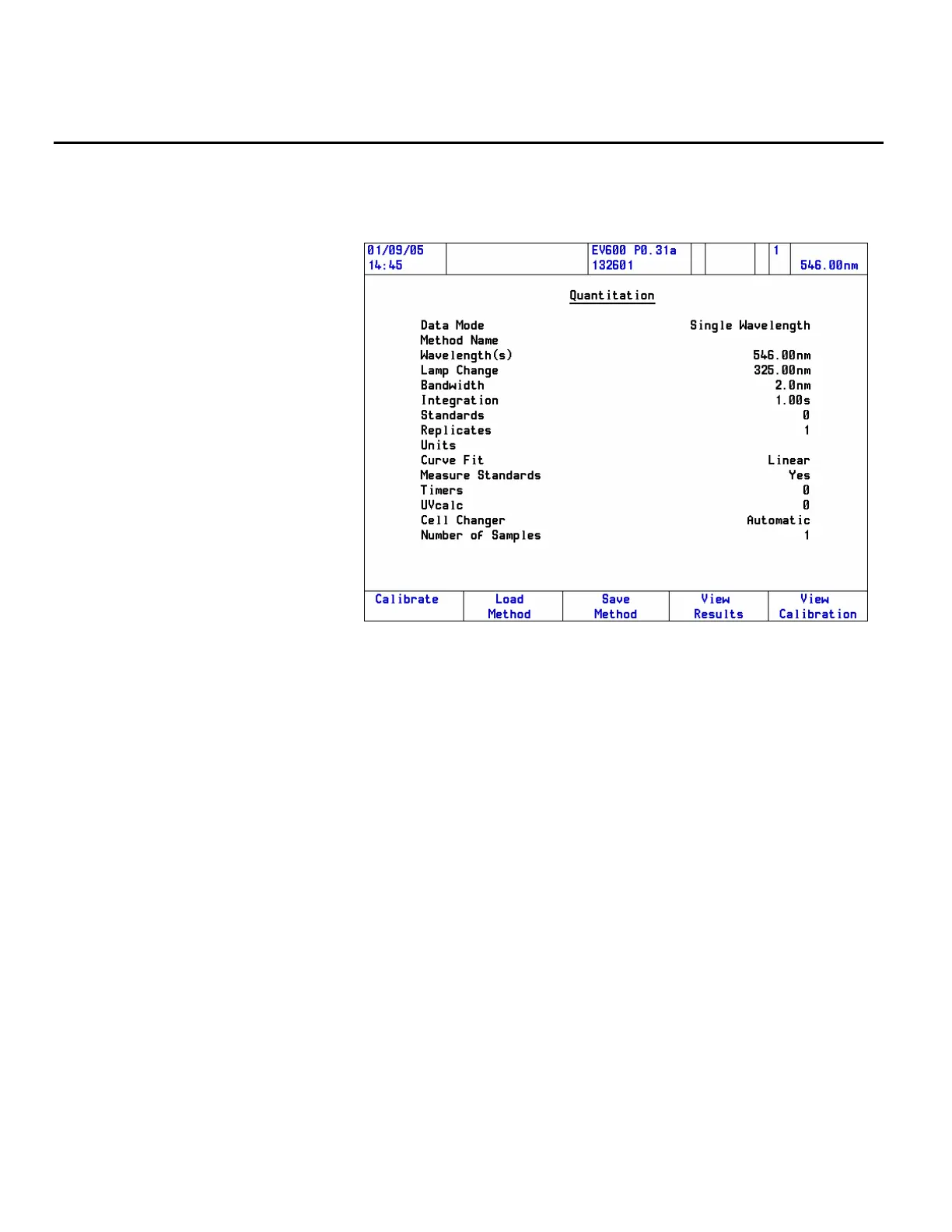
Quantitation application
Follow these steps to run a Quant application:
1. Start the Quantitation application and press Enter.
The Quantitation method page will open.
The menu may contain more items than are shown in the example,
depending on the way the software is configured and which accessories
are installed.
2. Set up the method and press Enter.
Highlight each parameter in turn. This will cause the item to toggle
between two values or open a menu, or open a numeric entry box.
• Seven different data modes are available.
• The number of wavelengths required will depend on the Data
Mode.
48 Evolution 300 and Evolution 600 User Guide Thermo Fisher Scientific












 To Next Page