Text entry
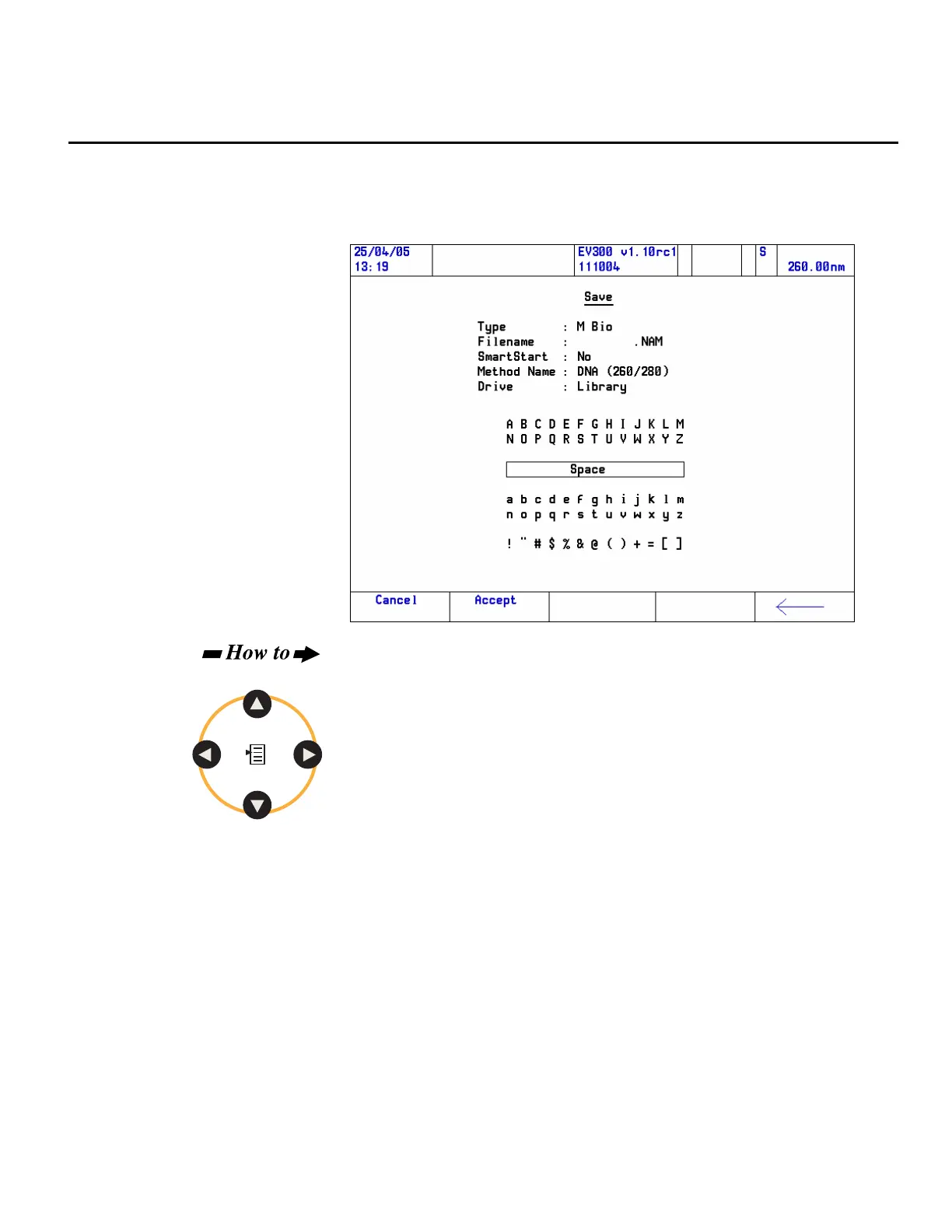
Text items are entered using the text entry screen.
Here is an example of a text entry screen:
Navigate in the text entry screen:
Use the arrow keys to move left/right and up/down to highlight the
required character.
To facilitate navigation, the key action will ‘wrap’ so that, for example,
pressing the left arrow from A will move the highlight to M.
1. Press Enter to move the selected character into the edit field.
Continue until all the required characters are in place.
2. Press the Accept function key.
Note Pressing the Cancel function key will close the text entry screen without
making any changes.
Note The backspace function key may be used to erase mistakes.
Thermo Fisher Scientific Evolution 300 and Evolution 600 User Guide 37












 To Next Page