Editing numeric fields
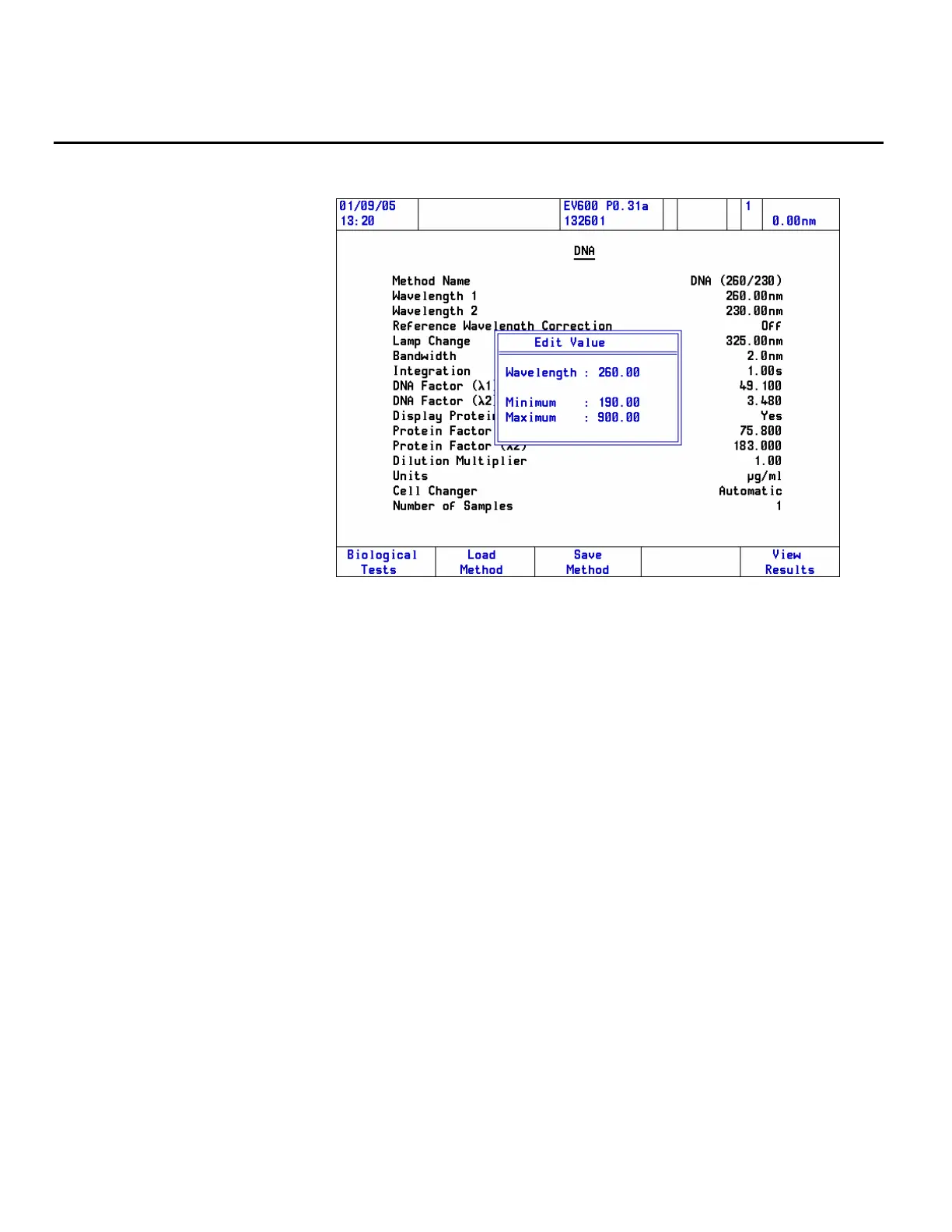
To edit the value of a numeric field, highlight the item.
An Edit Value box appears. Key in numbers with the numeric keypad,
taking note of any information such as limits displayed in the Edit Value
box.
Press Enter when the numeric entry is complete, or Cancel to terminate
numeric entry to close the Edit Value box without making any changes.
When setting up a page requiring multiple numeric entries (e.g., a
Standards page), press the Accept function key when the page is complete or
C to close the page without making any changes.
38 Evolution 300 and Evolution 600 User Guide Thermo Fisher Scientific












 To Next Page