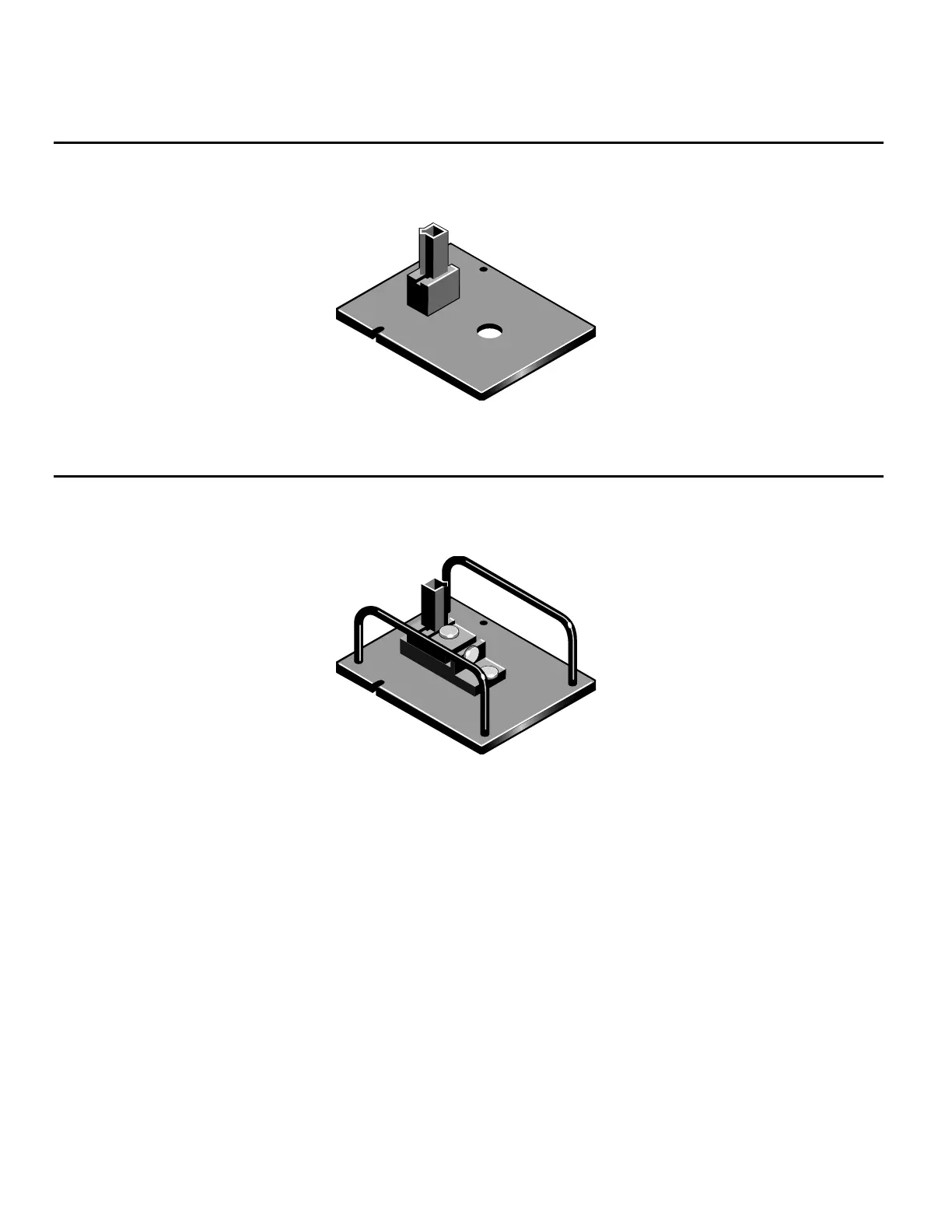
Standard rectangular cell holder
The instrument is supplied with two single cell holders (z = 8.5 mm),
which may be installed in the sample and reference positions.
Adjustable micro cell holder
This accessory is recommended for use with small aperture cells. The
adjustment permits precise positioning of the cell in the beam.
1. Install the accessory into the instrument as described above.
2. Access the white light function in the operating software.
Local Control– From the Main Menu page, select Utilities, then press
the White Light function key on the Utilities page.
VISION – Select Command > White Light.
10 Evolution 300 and Evolution 600 User Guide Thermo Fisher Scientific












 To Next Page