11. Press the View Results function key to see the results of the rate
calculations performed using Section.
Function keys on the Results page enable you to save the results to the
instrument Library or to disk.
12. Press the Save Results function key to save the results to the
instrument Library or to disk.
Multicomponent application
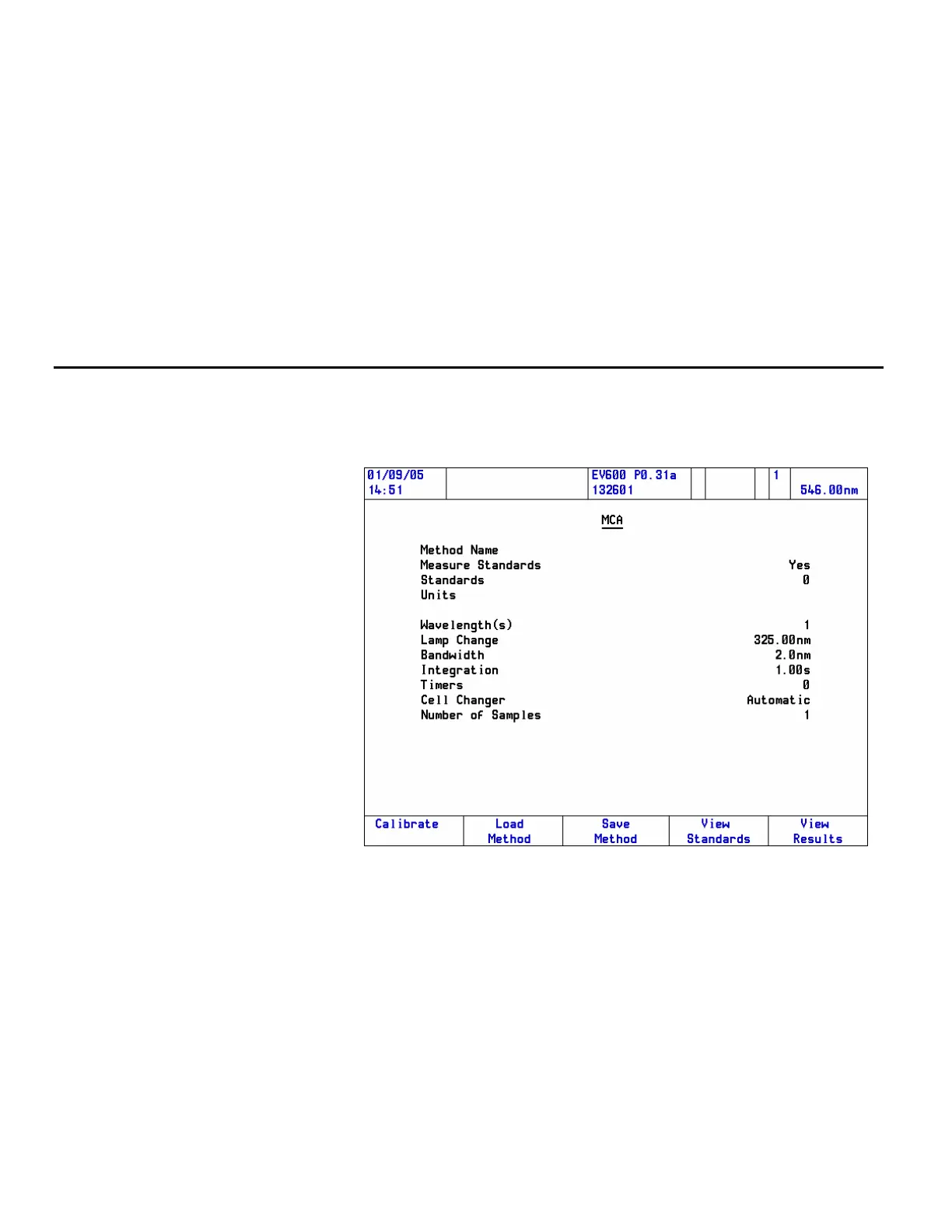
Follow these steps to run a Multicomponent (MCA) application:
1. Start Multicomponent Analysis and press Enter.
The MCA method page will open.
The menu may contain more items than are shown in the example,
depending on the way the software is configured and which accessories
are installed.
54 Evolution 300 and Evolution 600 User Guide Thermo Fisher Scientific












 To Next Page