Internal printer
Some instruments are provided with a factory installed internal printer.
Keep the paper stored at room temperature, away from light. Spare paper is
available.
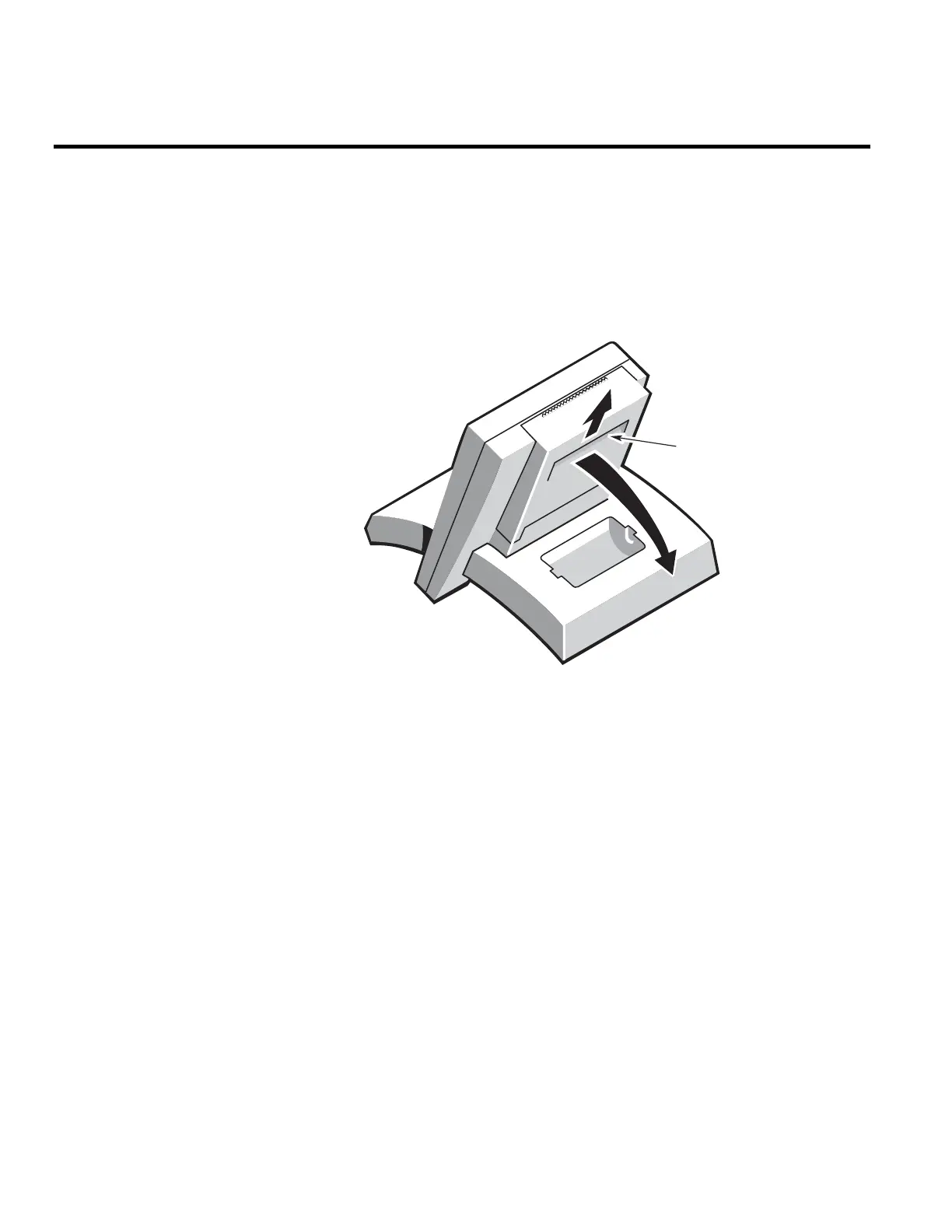
1. Open the printer housing.
To do this, lift the cover and swing it away from the display.
Lift cover u
swing back
2. Turn the paper release lever through 90°, towards the display.
3. Feed the paper, shiny side down, into the input slot.
Ensure that the paper emerges correctly through the printer and
approximately 10 cm (4 in) has been pulled clear.
76 Evolution 300 and Evolution 600 User Guide Thermo Fisher Scientific












 To Next Page