7. View the graph and statistics.
This is done when the calibration is complete. Change the curve fit if
necessary.
8. Press the Save Method function key to save the calibrated method
in the instrument Library or to disk.
9. Press Run to analyze samples using the calibrated Quantitation
method.
10. Press the View Results function key to see the Results Table.
Function keys on the Quant Results page enable you to save the results
to the instrument Library or to disk, or to clear the results table ready
for a new batch of samples.
Kinetics application
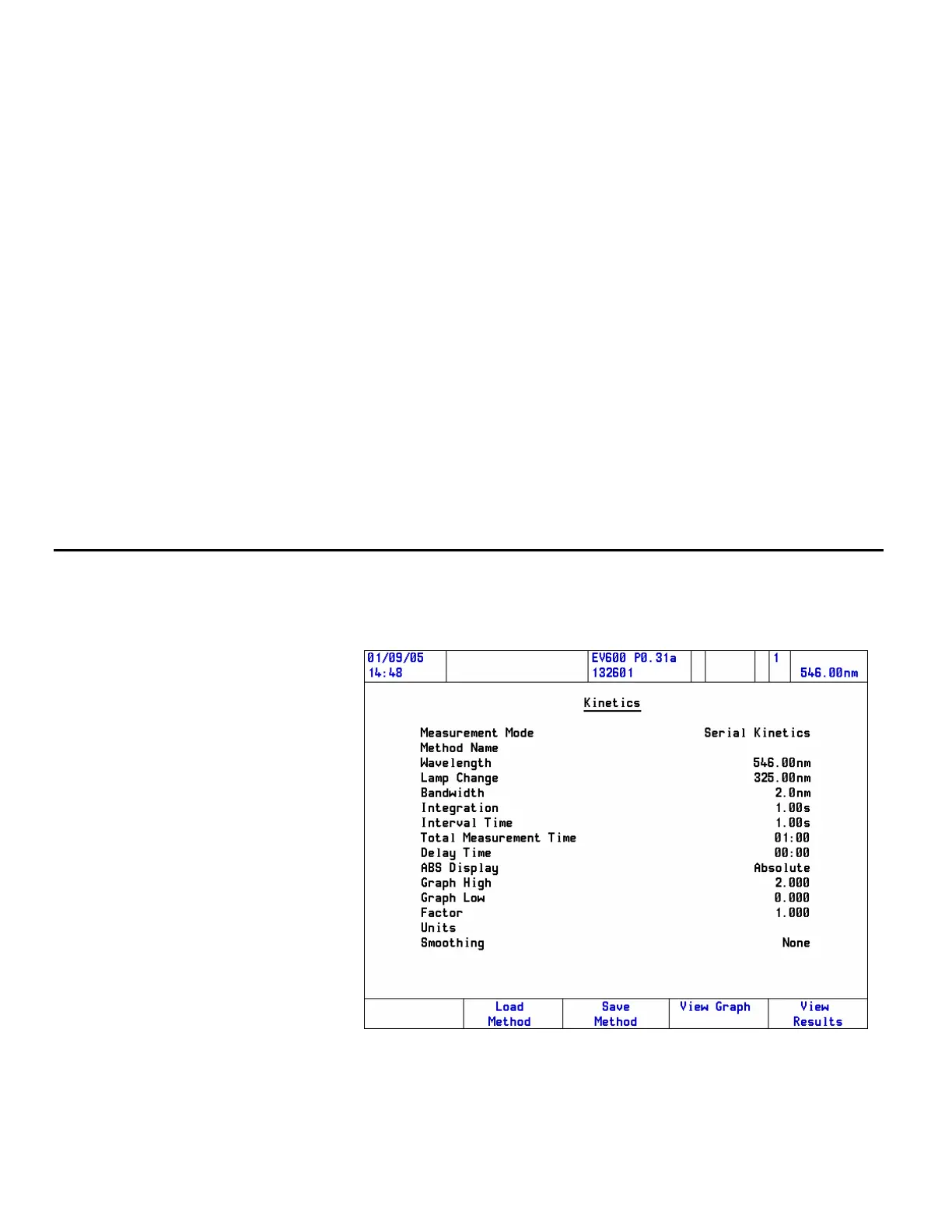
Follow these steps to run a Kinetics application:
1. Start the Kinetics application and press Enter.
The Kinetics Method page will open.
50 Evolution 300 and Evolution 600 User Guide Thermo Fisher Scientific












 To Next Page