Buttons to the left of the display:
To do this… Use…
Increase or decrease brightness of display.
Bright
Feed paper for internal printer (if installed).
Feed
Main Menu page
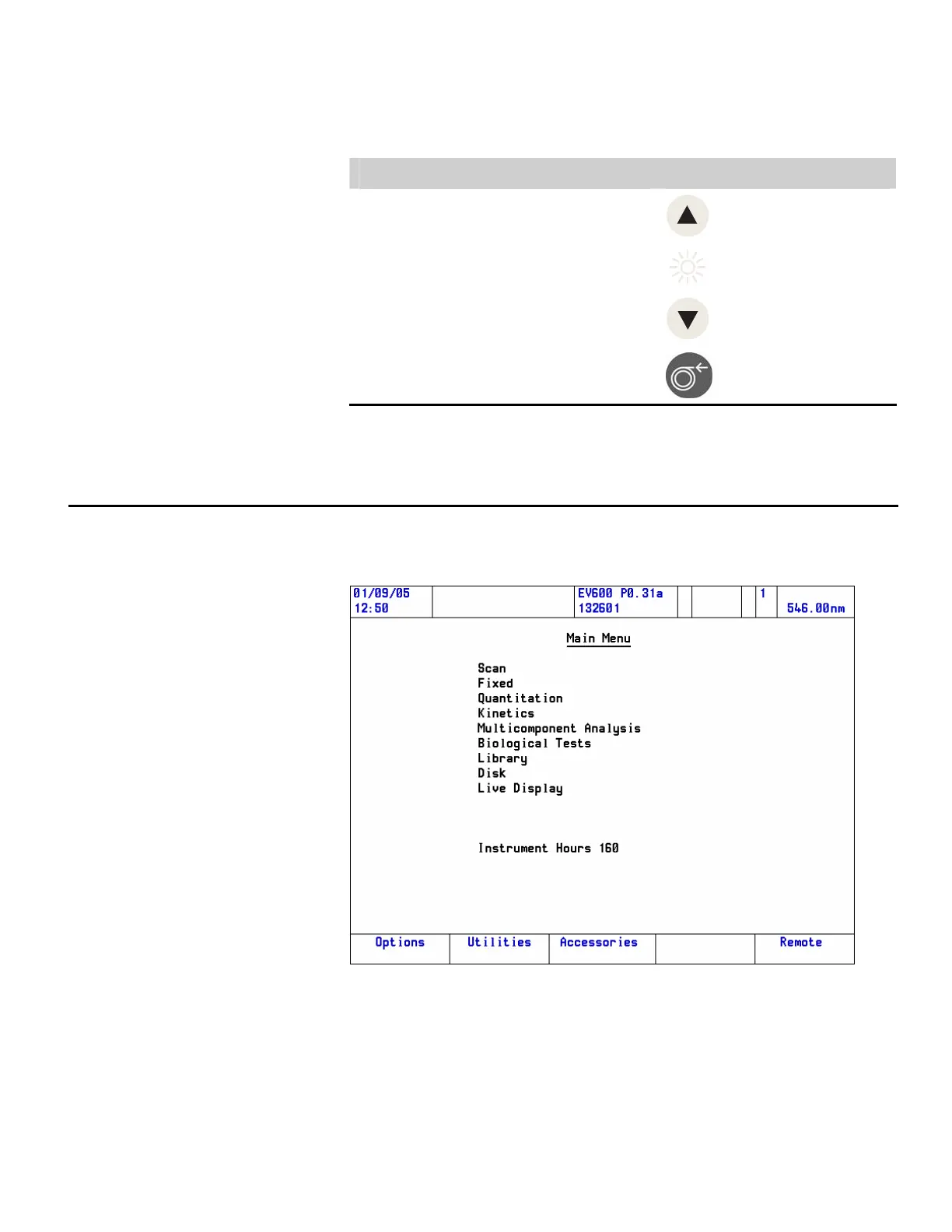
The major functions of the software are accessed from the Main Menu
page.
Use the up and down arrow keys to highlight the required menu item and
press Enter to confirm your selection.
Thermo Fisher Scientific Evolution 300 and Evolution 600 User Guide 27












 To Next Page