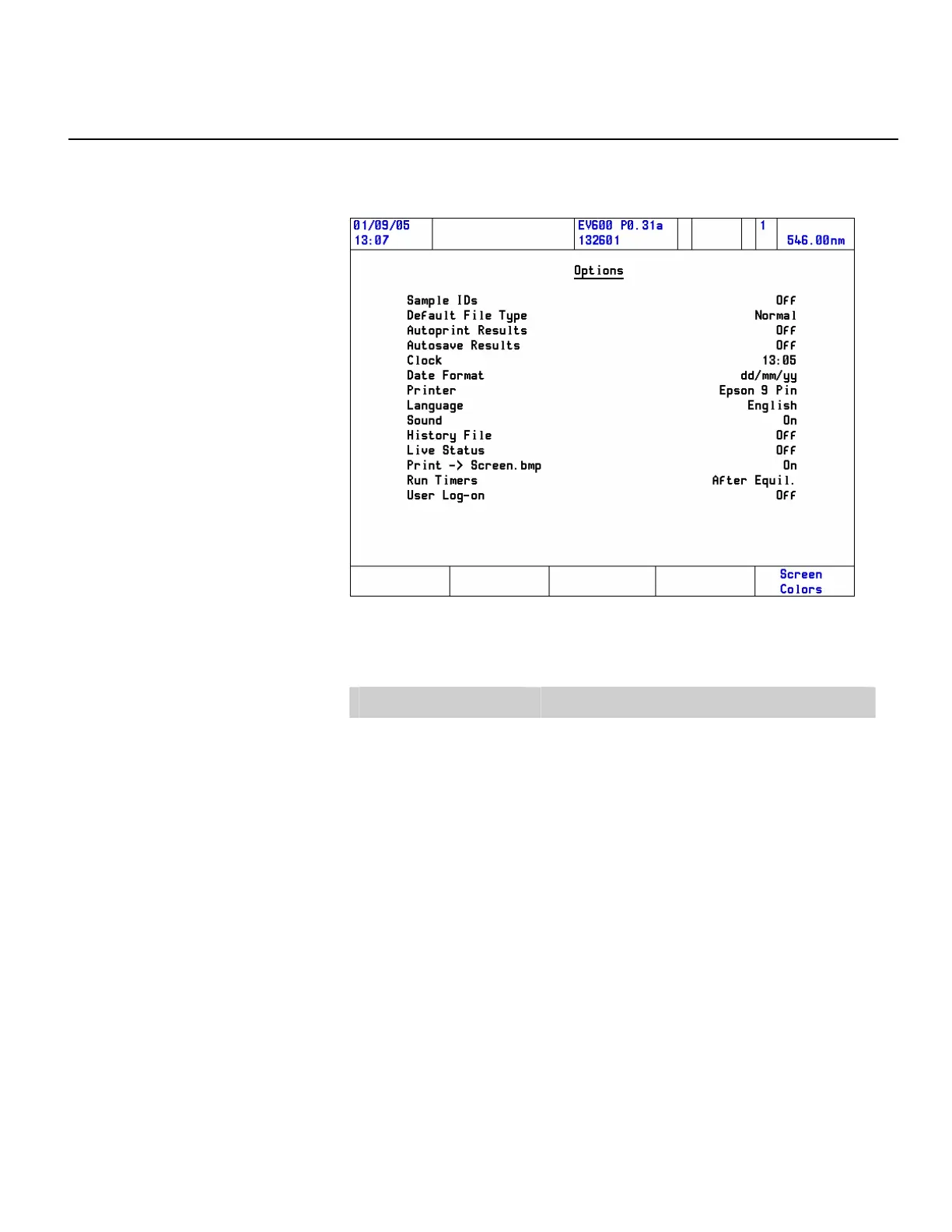
Options window
To access the Options window from the Main Menu, press the Options
function key.
The primary use of each parameter is summarized in the following table:
Parameter Function
Sample IDs
When toggled on, the user enters a name seed and
start number for the results files. The number is
automatically incremented for each sample.
Default File Type
Allows the user to select the file type of the saved
data.
Normal is the native file type of the software and
can be imported into the VISION software package.
This file type can be used only by the Local Control
or the VISION
pro
/VISION
security
software.
The comma separated values (CSV) format enables
data to be exported to computer third-party
applications (e.g., spreadsheet).
Thermo Fisher Scientific Evolution 300 and Evolution 600 User Guide 29












 To Next Page