Smart Accessories
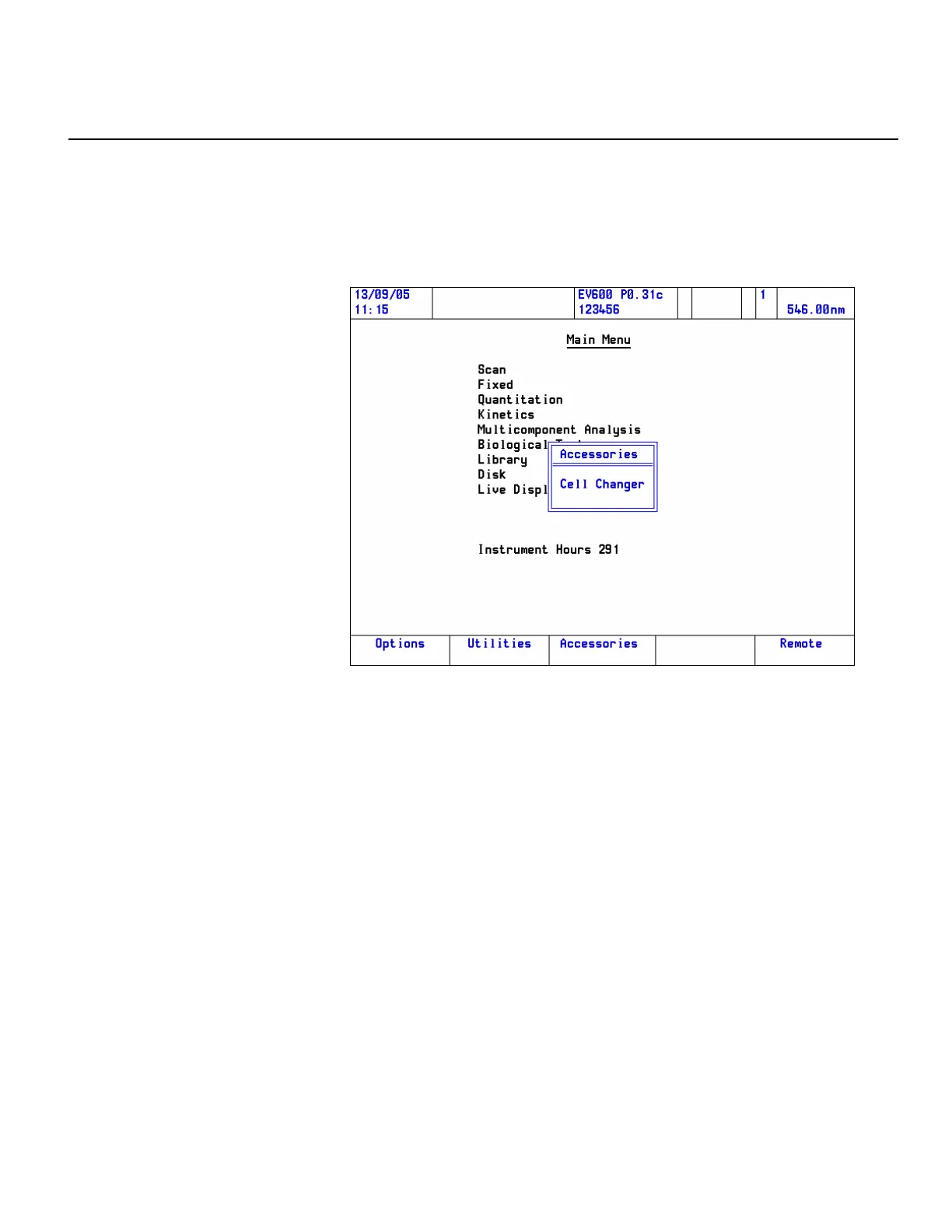
To access the accessory controls, press the Accessories function key on the
Main Menu page.
A pop-up menu shows the accessories currently installed. Here is an
example:
Highlight the required accessory and press Enter to open the setup page.
When accessories are installed, additional items related to the control of the
accessories are added to the method parameter pages.
Thermo Fisher Scientific Evolution 300 and Evolution 600 User Guide 33












 To Next Page