3. Press Enter.
Load Method and Save Method function keys are available on
application parameter pages. Save Results function keys are available on
all Results pages.
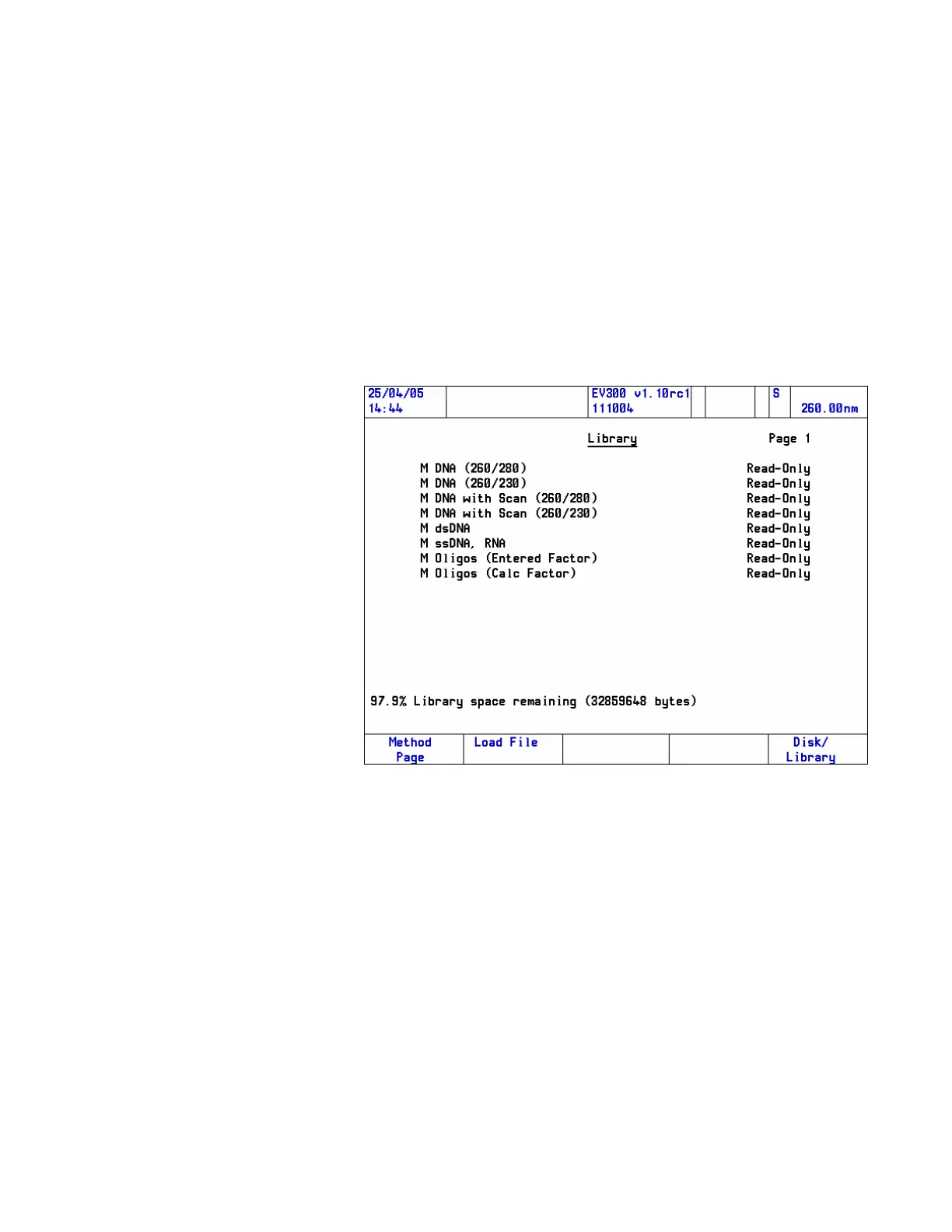
Note When a Load Function key is selected, the Library page is disabled showing
the files that are appropriate to the current context.
4. Press the Disk/Library function key to display the contents of the
disk, if required.
5. Highlight the required file by using the up/down arrow keys and
then press Load File function key.
40 Evolution 300 and Evolution 600 User Guide Thermo Fisher Scientific












 To Next Page