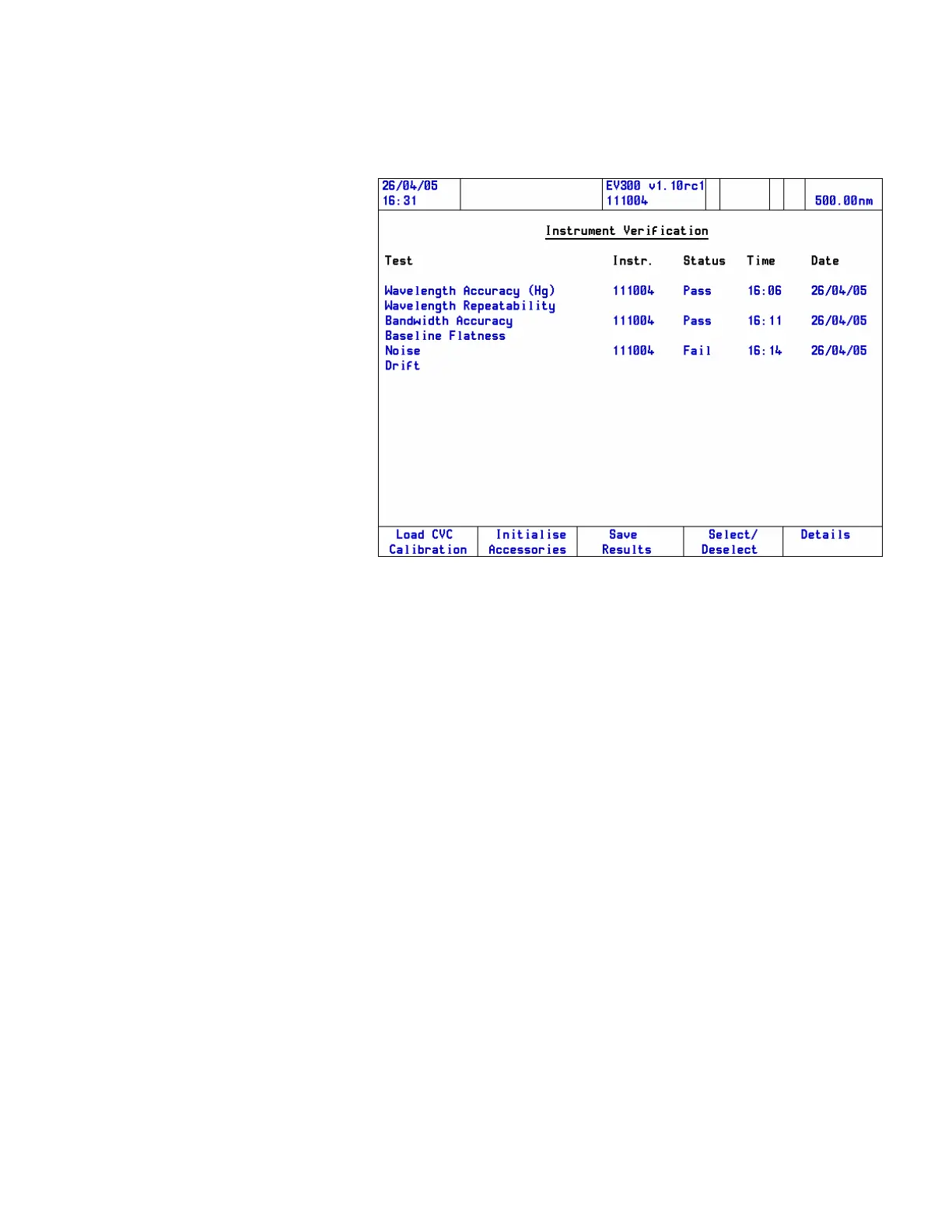
5. Press the Summary function key to return to the Instrument
Verification page.
6. Press the Save Results function key to save the current results to the
Library or to disk.
Previous results can be loaded using the Load Results function key or
by using the Library or disk menu items on the Main Menu page.
Further tests will become available when an instrument verification
accessory (CVC or Mercury lamp) is installed. Refer to the appropriate
accessory manual.
Thermo Fisher Scientific Evolution 300 and Evolution 600 User Guide 73












 To Next Page