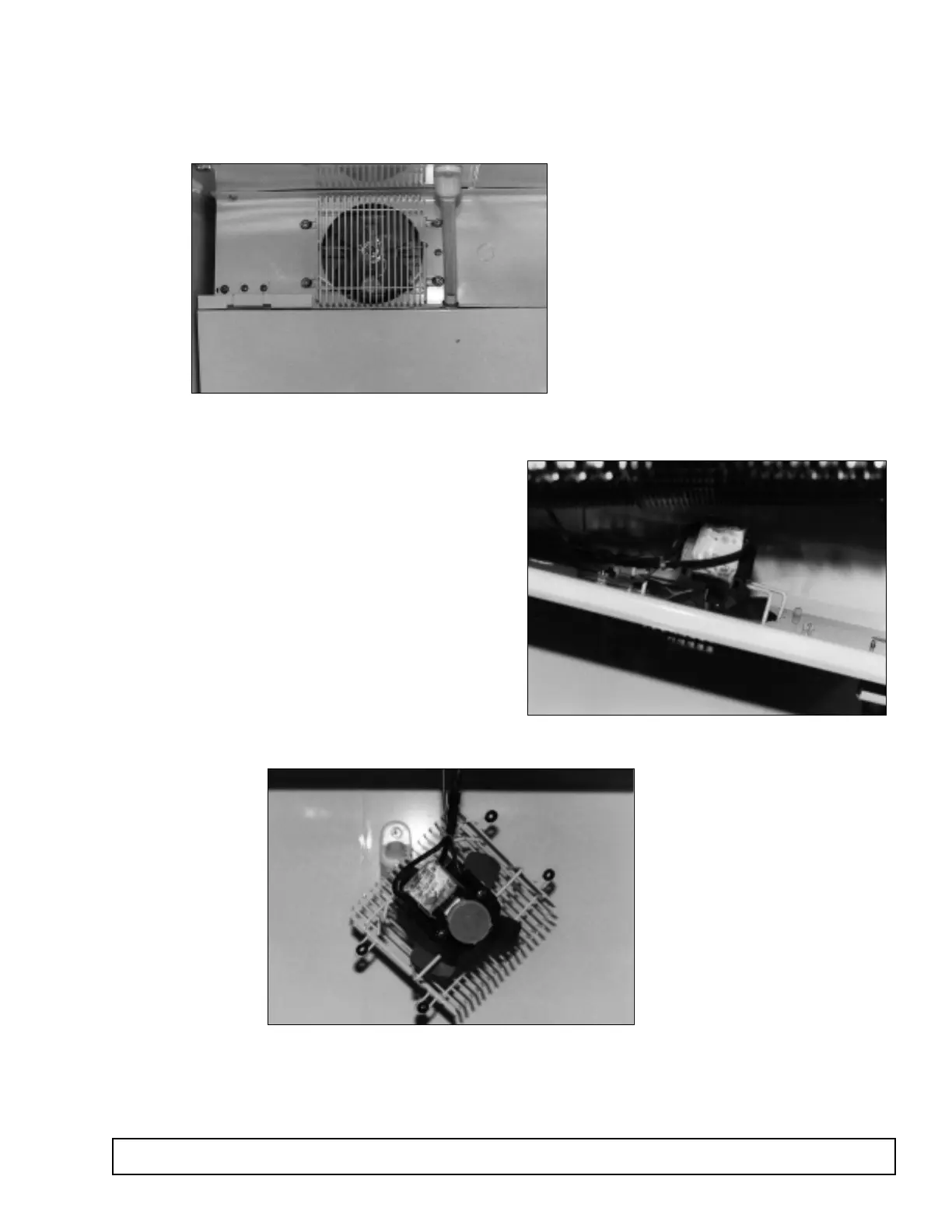
EVAPORATOR FAN MOTOR REPLACEMENT
The evaporator fan motor is located in the cabinet interi-
or behind the evaporator coil.
1. Disconnect the power to the cabinet
2. Remove the screws from the fan guard housing.
3. Drop the motor down out of the drain pan.
4. Disconnect the power leads to the motor.
5. Place the new motor onto the bracket.
6. Reconnect the power leads.
7. Raise the motor into the drain pan.
8. Replace the mounting screws.
9. Reconnect the power to the cabinet.
MAINTENANCE & REPAIR 43



 To Next Page