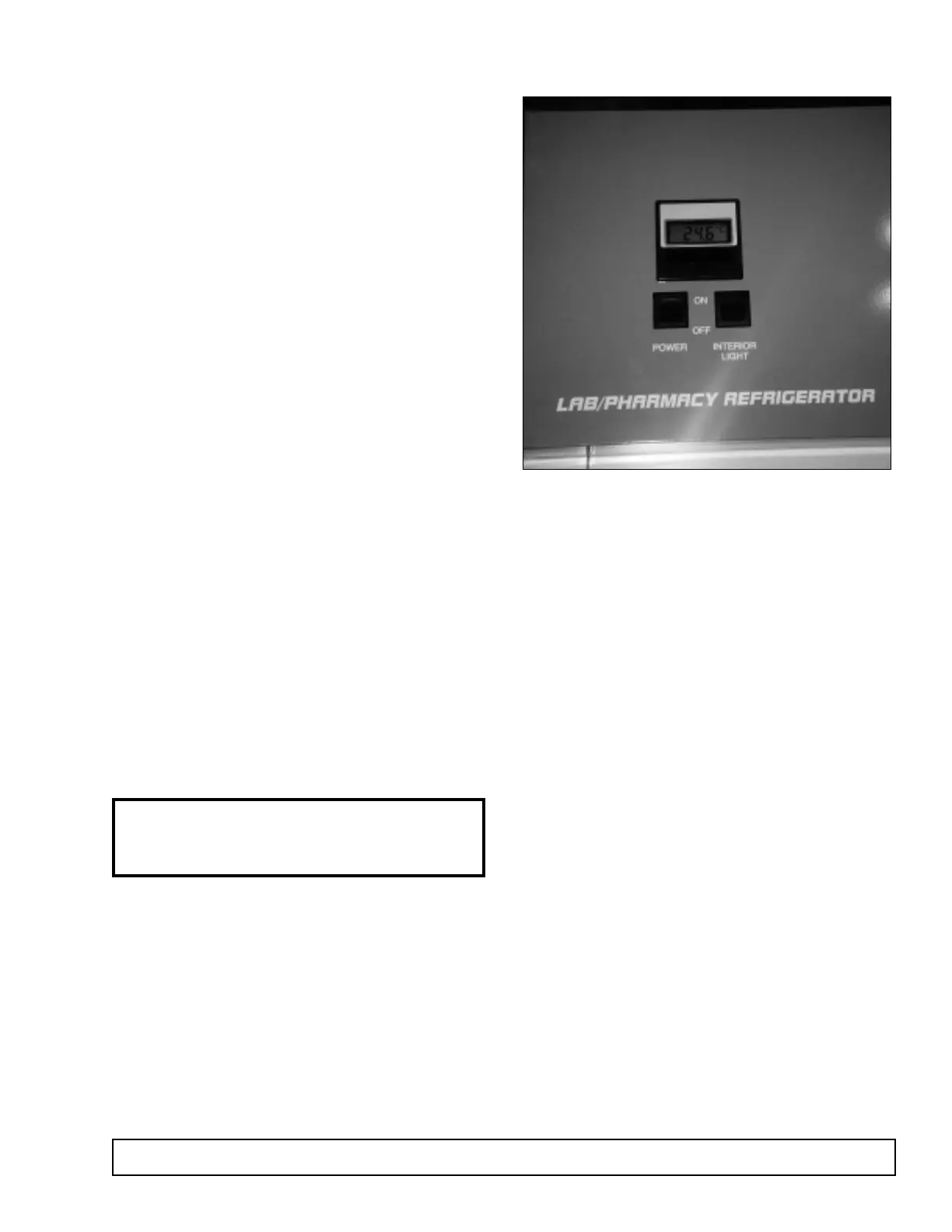
LIGHT SWITCH REPLACEMENT
On glass door models, the light switch is located on
the front control panel.
1. Disconnect the power to the cabinet.
2. Remove the front panel by removing 2 retainer
screws located on the top of the cabinet and lifting
to disengage.
3. Remove the control panel rear cover.
4. Disconnect wire leads from the light switch.
5. Remove the light switch from the control panel by
depressing the plastic retainer clips and push.
6. Replace with new switch and reattach wiring.
7. Replace rear cover. Remount panel to cabinet.
8. Reconnect the power to the cabinet.
MAINTENANCE & REPAIR 51
The thermometer can eaisly be removed by:
1. Remove two retaining screws located at the top
front edge of the control panel.
2. Lift the panel up. This will disengage the key slots
at the rear of the panel.
3. Rest control panel on top of the cabinet. Remove
the rear cover.
NOTE: If the display is reading LLL the 3v battery
needs to be replaced. This can be done without
removing the thermometer from the panel.
Remove two plastic nuts and bracket ( rear of ther-
mometer). The thermometer can now be removed
form the panel.
Remove the thermometer sensing element from it’s
bracket. The sensing element can now be pulled up
through the top of the cabinet. Replace sealant when
new part is installed.
DIGITAL THERMOMETER / BATTERY REPLACEMENT



 To Next Page