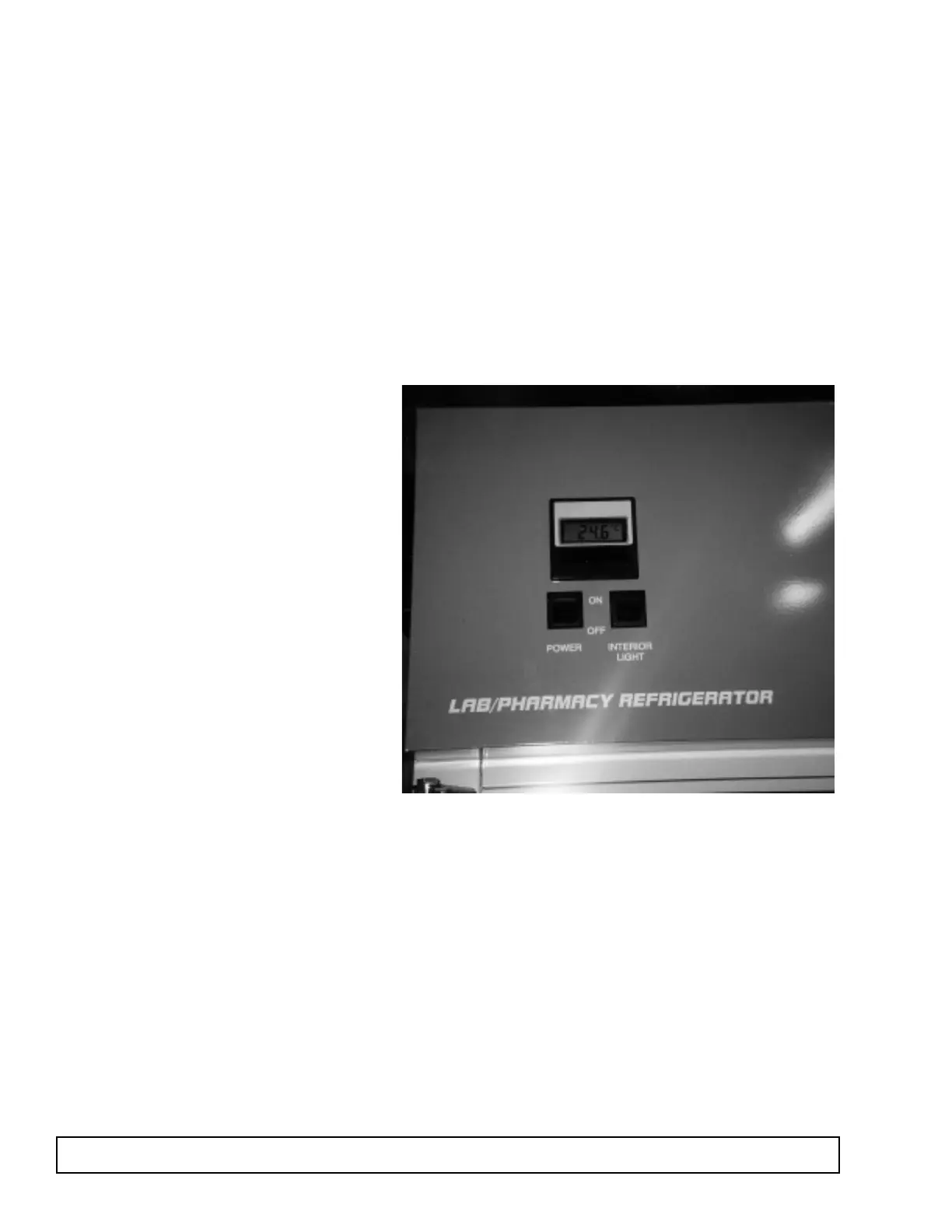
MASTER POWER SUPPLY SWITCH REPLACEMENT
The master power supply switch on the top mount
cabinets is located on the top front panel.
1. Disconnect the power to the cabinet.
2. Remove the front panel by removing 2 retainer
screws located on the top of the cabinet and then
lifting to disengage.
3. Remove the control panel rear cover.
4. Detach switch leads.
5. Remove the rocker power supply switch by
depressing the plastic retainer clips and push.
6. Replace with new switch.
7. Reattach the electrical leads.
8. Replace the cover with the screws
9. Replace the front panel.
10. Reconnect the power to the cabinet.
50 MAINTENANCE & REPAIR



 To Next Page