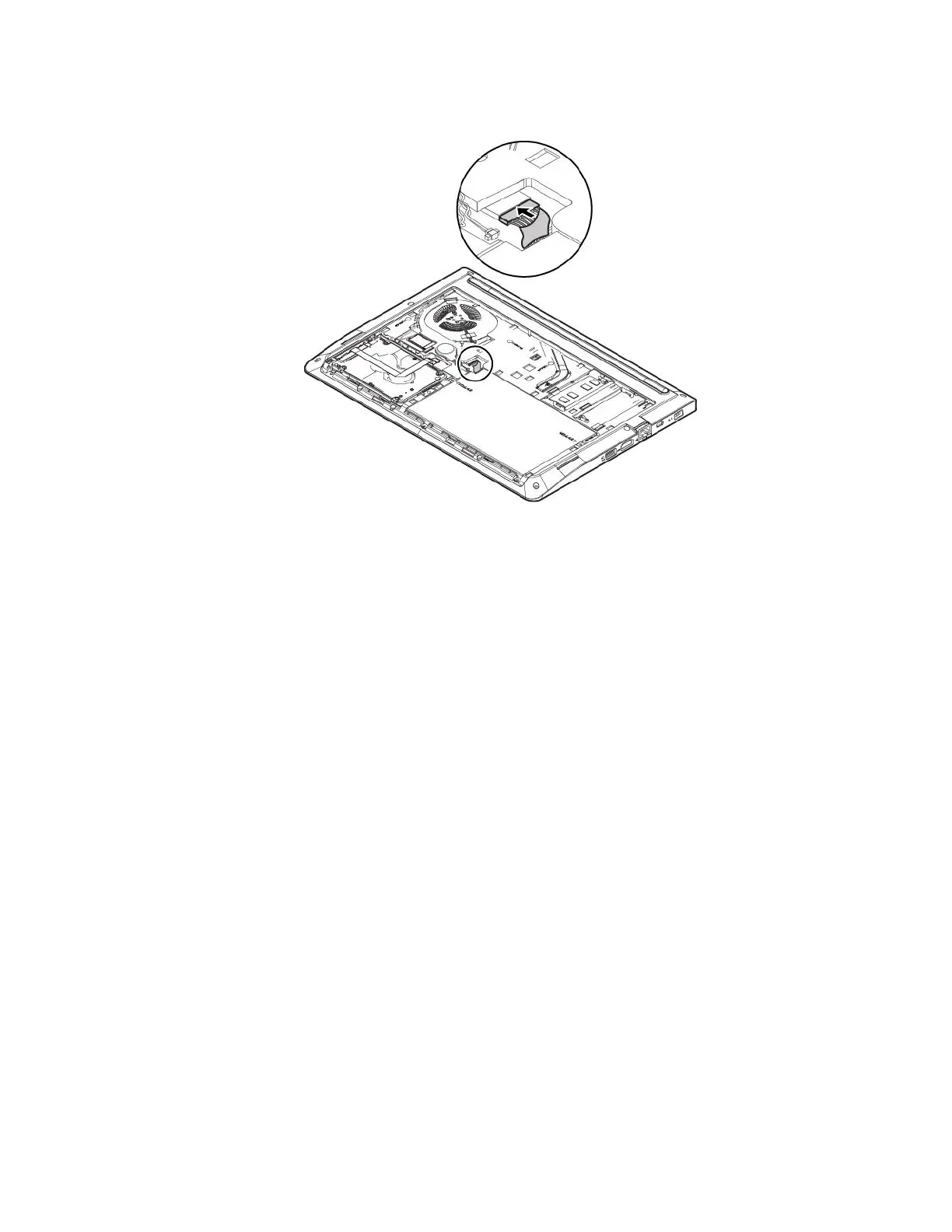
8.Connectthemainbatteryconnector.
9.Reinstallthebottomcover.See“Replacingthebottomcover”onpage76.
10.Turnthecomputerover.Connecttheacpoweradapterandallcablestothecomputer.
Attention:Afteryoureplacethecoin-cellbattery,resetthesystemdateandtimeintheThinkPadSetup
program.See“Date/Timemenu”onpage50
.
Chapter8.Replacingdevices85



 To Next Page