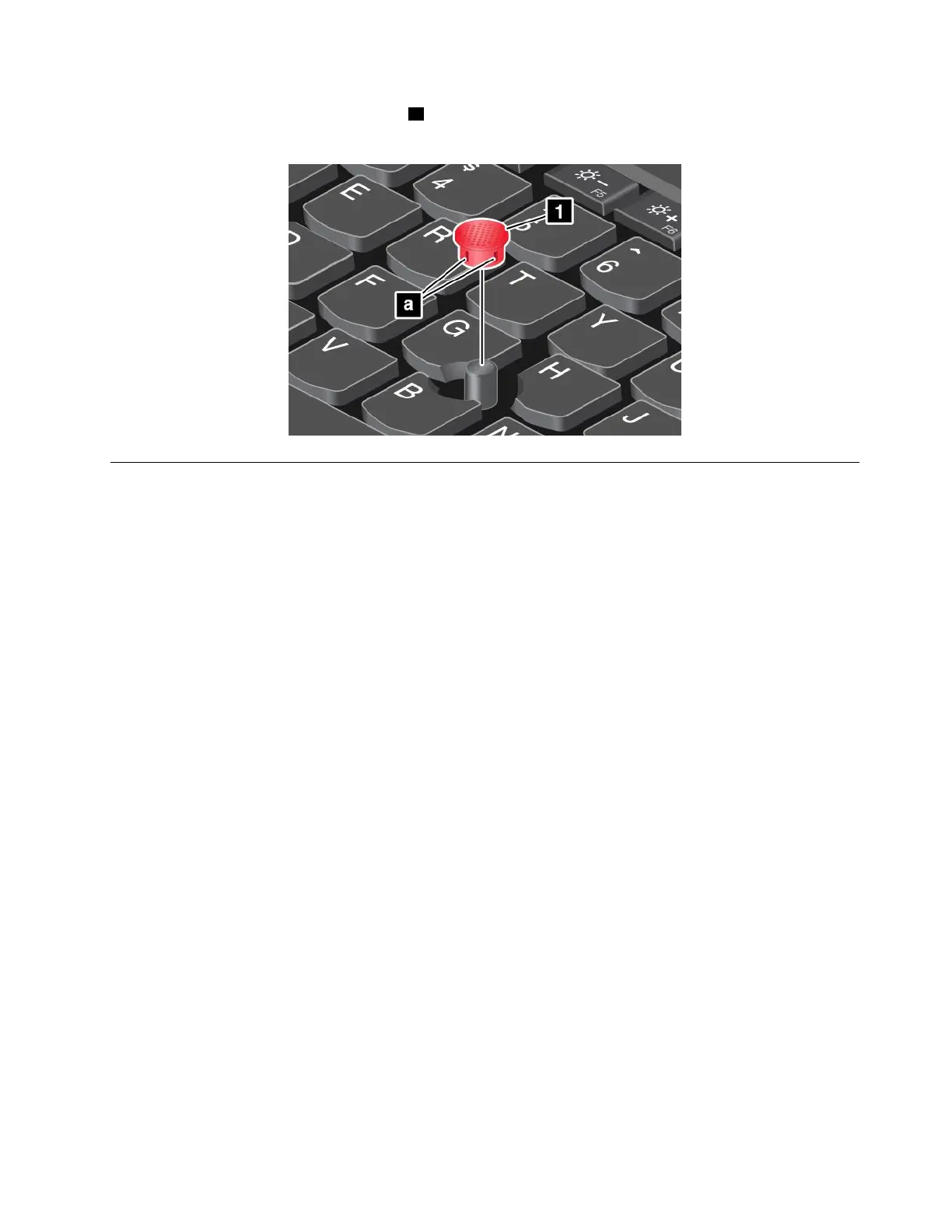
•Ensurethatyouuseacapwithgroovesaasshowninthefollowingillustration.
•Dependingonthemodel,yourkeyboardmightlookdifferentfromtheillustrationinthistopic.
Powermanagement
Thissectionprovidesinformationabouthowtouseacpowerandbatterypowertoachievethebestbalance
betweenperformanceandpowermanagement.
Usingtheacpoweradapter
Thepowertorunyourcomputercancomeeitherfromthebatteryorfromacpower.Whileyouuseac
power,thebatterychargesautomatically.
Yourcomputercomeswithanacpoweradapterandapowercord.
•acpoweradapter:Convertsacpowerfornotebookcomputeruse.
•Powercord:Connectstheacoutletandtheacpoweradapter.
Connectingtheacpoweradapter
Toconnectthecomputertoacpower,ensurethatyoufollowthestepsinorder:
Attention:Usinganimproperpowercordmightseverelydamageyourcomputer.
1.Connectthepowercordtotheacpoweradapter.
2.Connecttheacpoweradaptertothepowerconnectorofthecomputer.
3.Connectthepowercordtoanelectricaloutlet.
Tipsonusingtheacpoweradapter
•Whentheacpoweradapterisnotinuse,disconnectitfromtheelectricaloutlet.
•Donotbindthepowercordtightlyaroundtheacpoweradaptertransformerpackwhenitisconnectedto
thetransformer.
Usingthebattery
Whenyouuseyourcomputerawayfromelectricaloutlets,youdependonbatterypowertokeepyour
computerrunning.Differentcomputercomponentsconsumepoweratdifferentrates.Themoreyouusethe
power-intensivecomponents,thefasteryouconsumebatterypower.
Chapter2.Usingyourcomputer21



 To Next Page