2Wireless-LAN-cardslot
YourcomputermighthaveawirelessLANcardinstalledforyoutoestablishwirelessLANconnections.
3Built-inbattery
Useyourcomputerwiththebatterypowerwheneveracpowerisunavailable.
4Memoryslots
Youcanincreasetheamountofmemoryinyourcomputerbyinstallingamemorymoduleinthememory
slot.MemorymodulesareavailableasoptionsfromLenovo.Topurchasememorymodules,goto
http://www.lenovo.com/essentials.
5Speakers
Yourcomputerisequippedwithapairofstereospeakers.
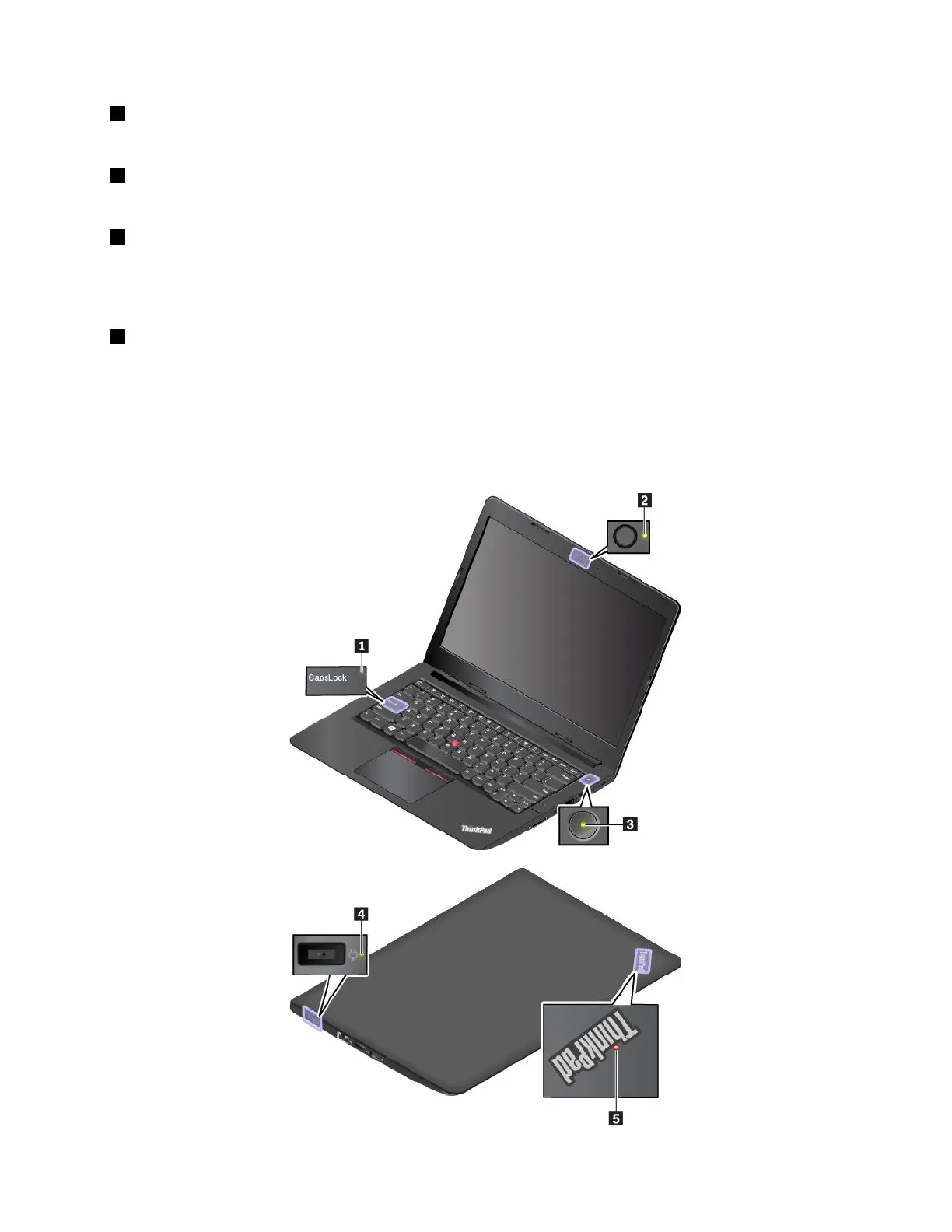
Statusindicators
Thistopicprovidesinformationaboutlocatingandidentifyingthevariousstatusindicatorsonyourcomputer.
Note:Dependingonthemodel,yourcomputermightlookdifferentfromthefollowingillustrations.
Chapter1.Productoverview5



 To Next Page