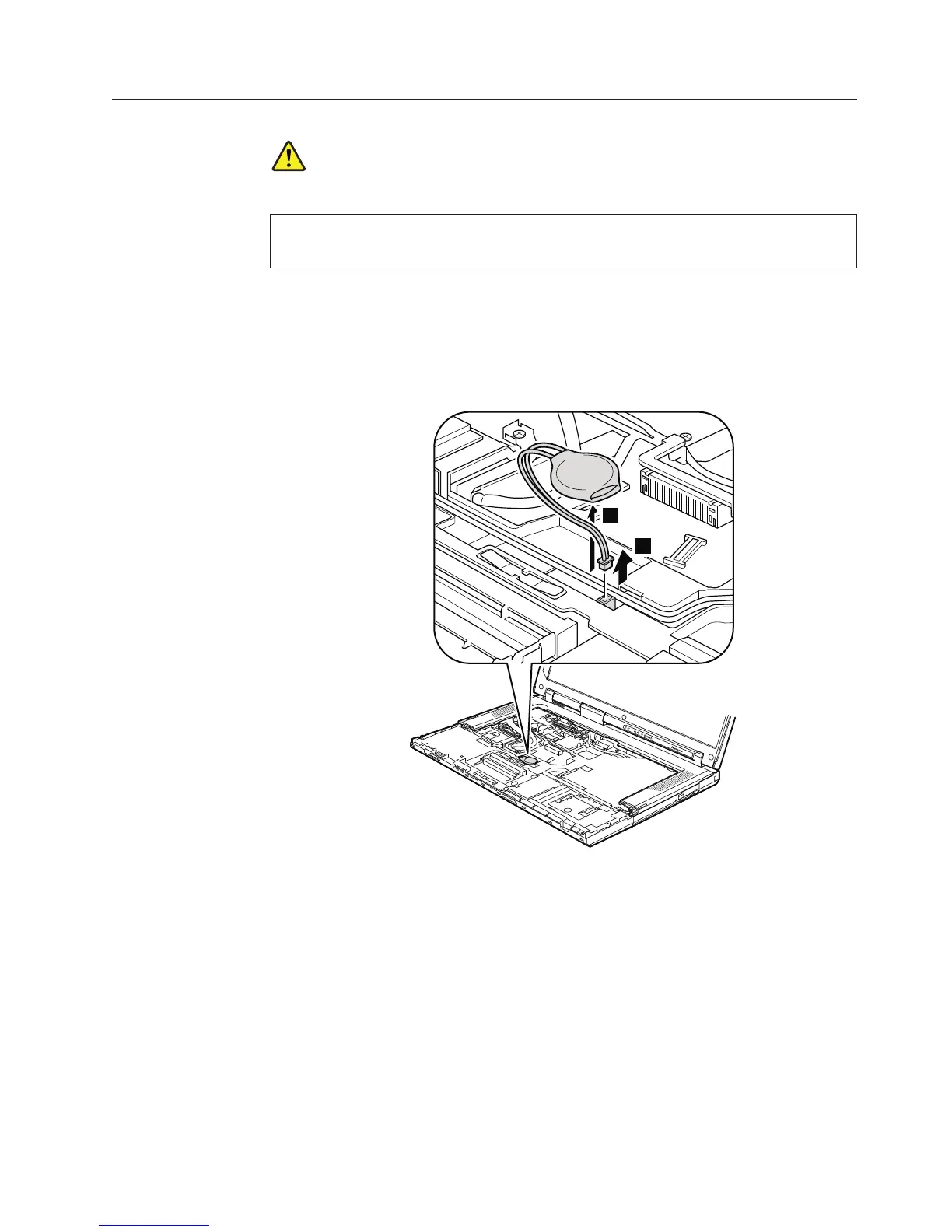
1090 Backup battery
DANGER
Use only the battery specified in the parts list for your computer. Any other
battery could ignite or explode.
For access, remove these FRUs in order:
v “1010 Battery pack” on page 84
v “1040 Palm rest or palm rest with fingerprint reader” on page 88
v “1060 Keyboard” on page 92
Table 17. Removal steps of backup battery
2
1
When installing: Make sure that the battery connector is attached firmly.
Removing and replacing a FRU 99



 To Next Page