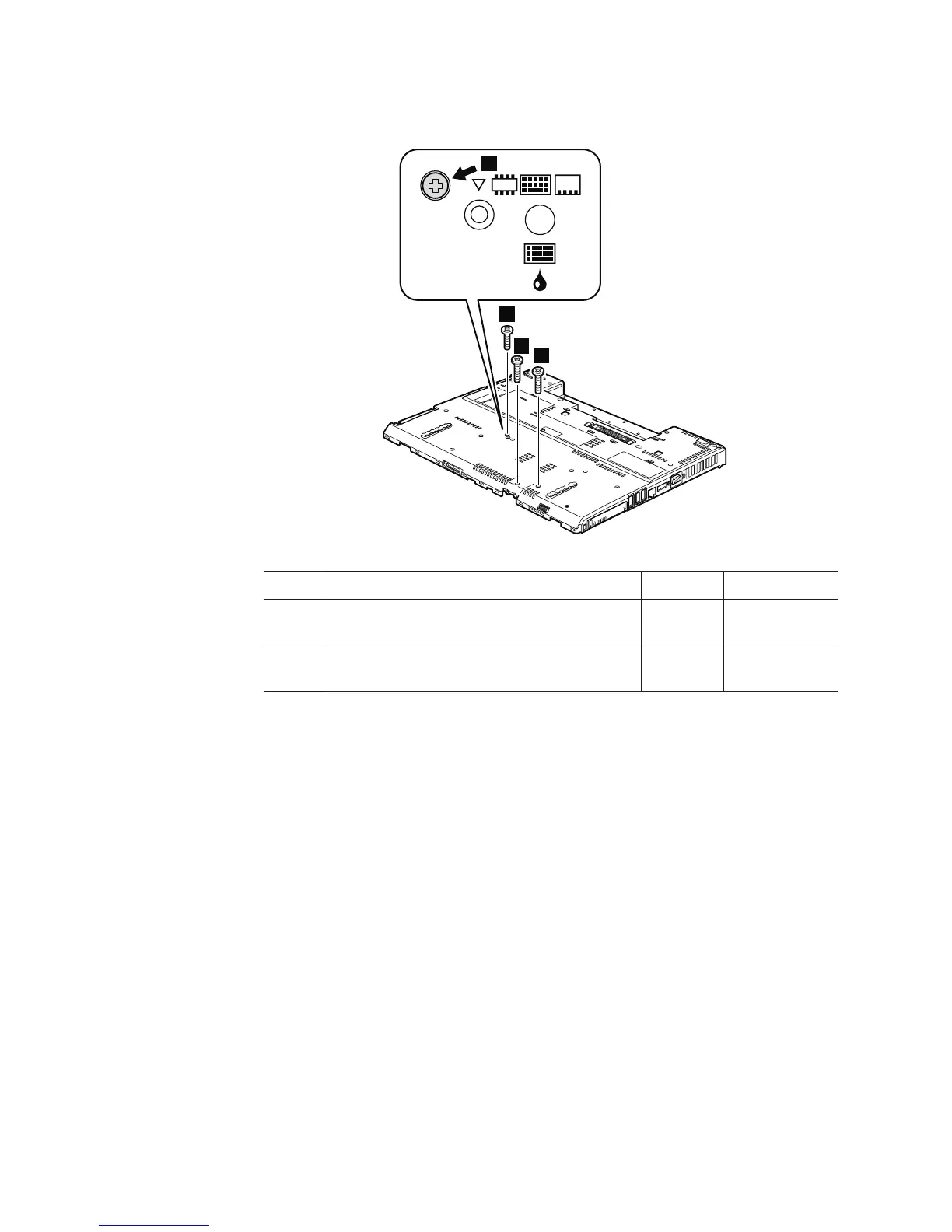
Table 22. Removal steps of base cover and PC Card/ExpressCard (or ExpressCard/Smart
Card) bezel assembly (continued)
3
3
4
4
Step Screw (quantity) Color Torque
3 M2 × 9.5 mm, flat-head, nylon-coated (1) Black 0.167 Nm
(1.7 kgfcm)
4 M2 × 17 mm, flat-head, nylon-coated (2) Black 0.167 Nm
(1.7 kgfcm)
112 ThinkPad R500 Hardware Maintenance Manual



 To Next Page