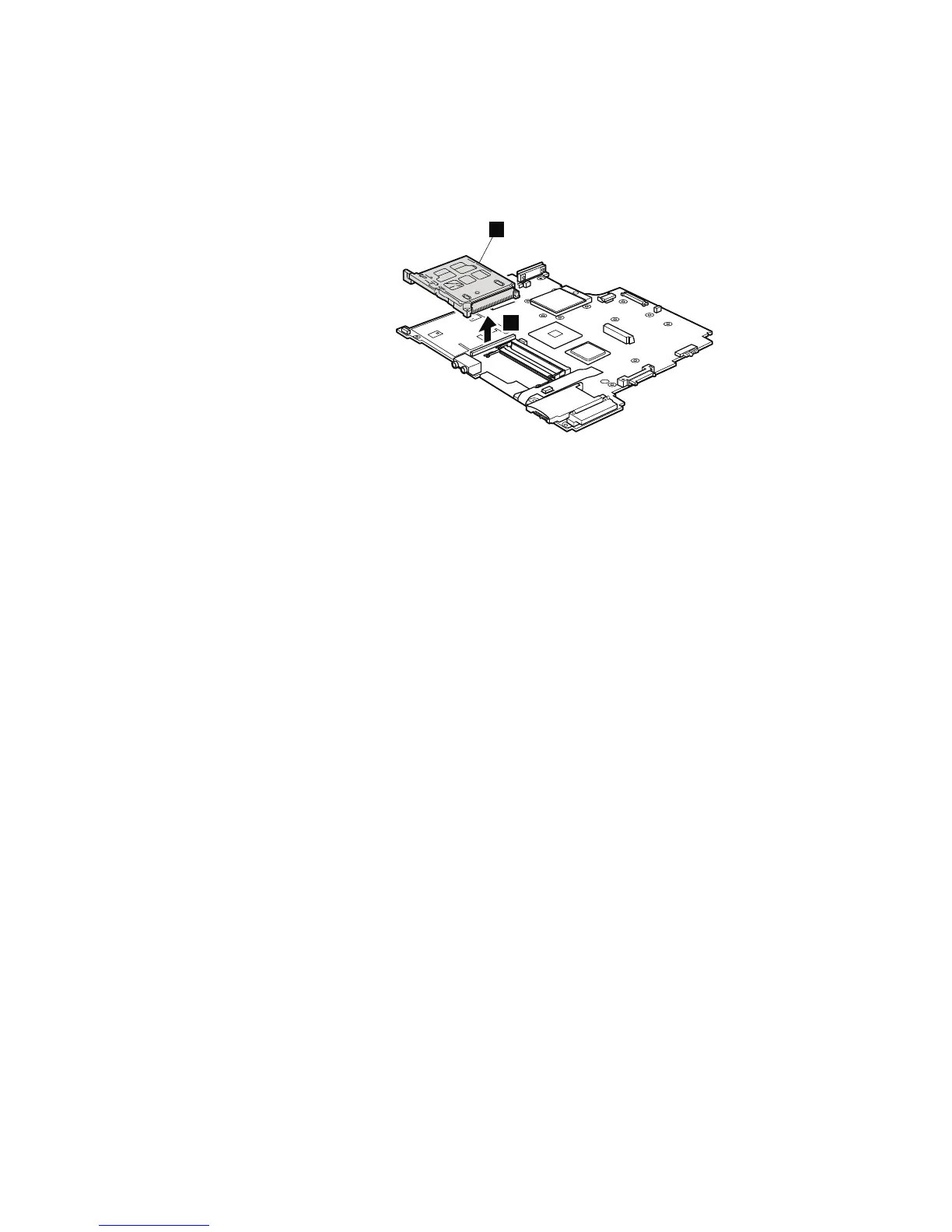
Table 24. Removal steps system board, PC Card/ExpressCard slots (ExpressCard/Smart
Card slots) assembly (continued)
Turn the system board over, and then disconnect the PC Card/ExpressCard slots
(or ExpressCard/Smart Card slots) assembly a from the system board.
2
a
When installing: Make sure that the connector of the PC Card/Express Card
slots (ExpressCard/Smart Card slots) assembly is attached to the system board
firmly.
126 ThinkPad R500 Hardware Maintenance Manual



 To Next Page