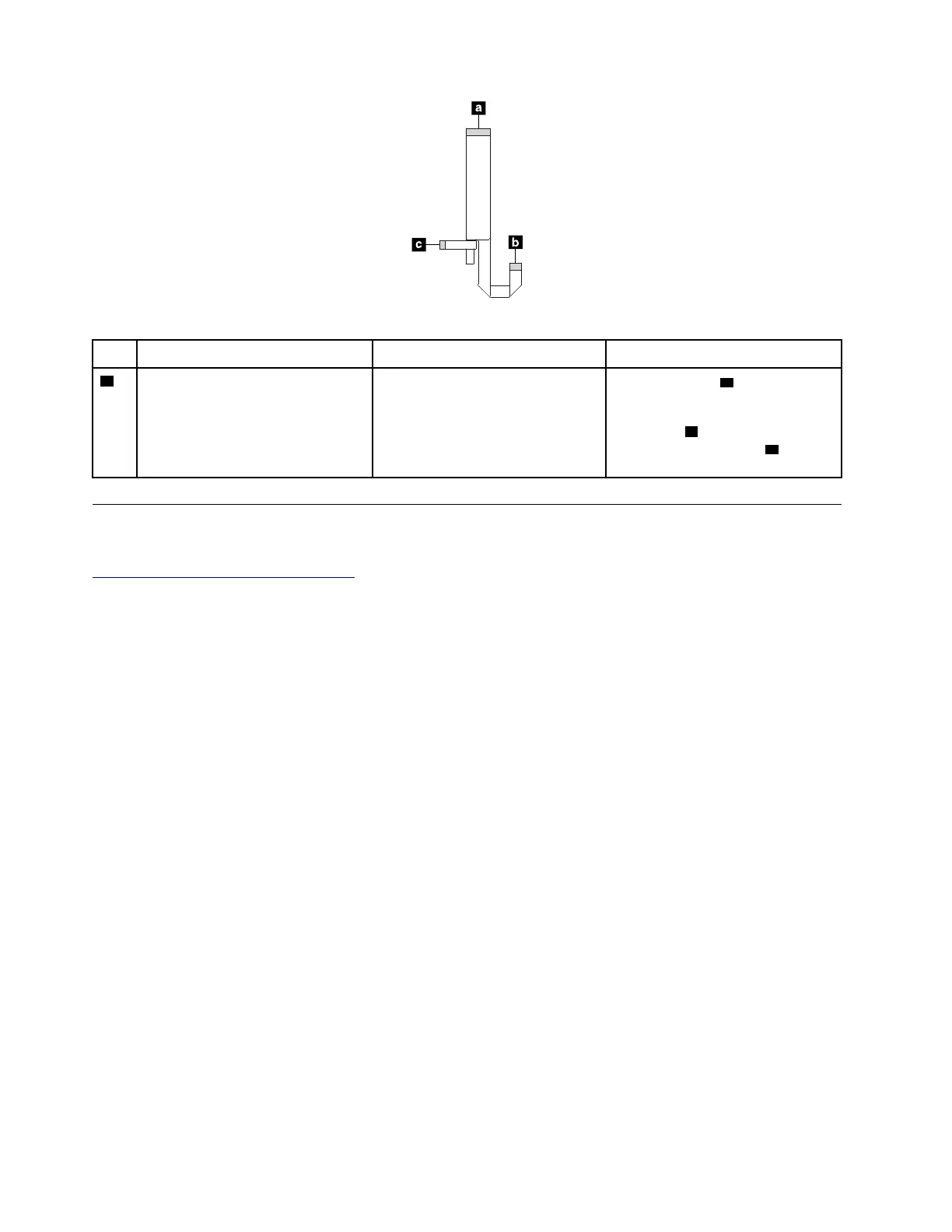
Table 12. Smart card reader
No.
Connector/feature
Internal cable required
Cable connection
1
Smart-card reader connector
(internal)
Smart-card reader/fingerprint
reader cable
Connect the end a of the cable to
the smart-card reader/fingerprint
reader connector on the system
board, end
b to the fingerprint
reader module, and end
c to this
connector.
Looking up FRU information
For detailed FRU information, including part numbers, descriptions, and substitution part numbers, go to:
https://support.lenovo.com/partslookup
56 T480s Hardware Maintenance Manual



 To Next Page