• Be careful not to drop the system board on a bench top that has a hard surface, such as metal, wood, or
composite.
• Avoid rough handling of any kind.
• At every point in the process, be sure not to drop or stack the system board.
• If you put a system board down, be sure to put it only on a padded surface such as an ESD mat or a
corrugated conductive material.
For access, remove these FRUs in order:
• “Removing the nano-SIM card and nano-SIM-card tray” on page 62
• “1010 Keyboard” on page 63
Note: The keyboard removal tool (product part number: 01LX856) is needed for removing the keyboard.
You can purchase it as a separate FRU at:
https://support.lenovo.com/partslookup.
• “1020 Base cover assembly” on page 67
• “1030 Wireless LAN card” on page 69
• “1040 Wireless WAN card ” on page 69
• “1050 M.2 solid-state drive” on page 70
• “1060 Memory module” on page 71
• “1100 Built-in battery” on page 74
• “1080 Thermal fan assembly” on page 72
• “1070 Ethernet connector drop-down door” on page 72
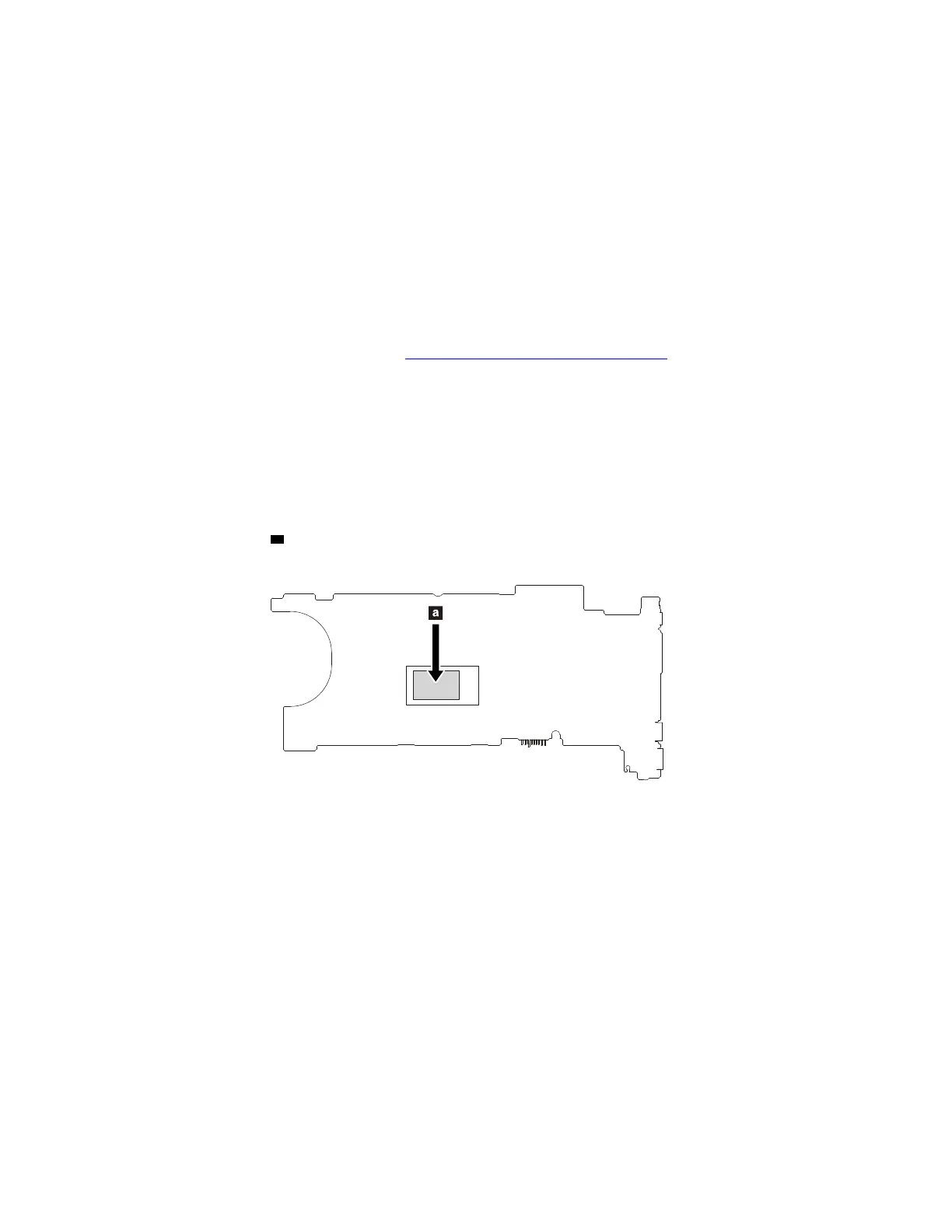
The following component
a CPU soldered on the top side of the system board is extremely sensitive. When
you service the system board, avoid any kind of rough handling.
86 T480s Hardware Maintenance Manual



 To Next Page