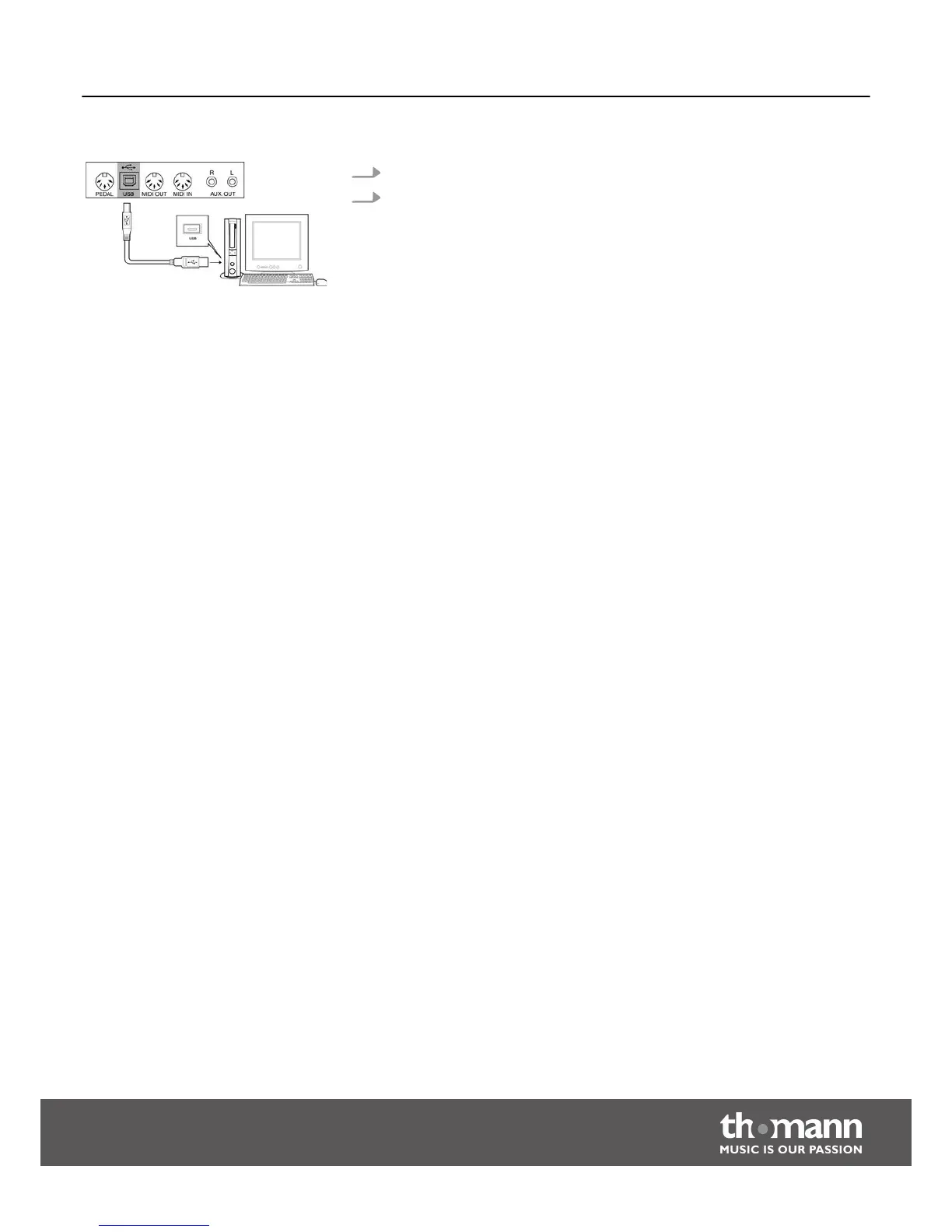
1. Connect a computer or other device with USB support.
2. The USB port is an integrated MIDI-USB adapter. For devices with USB cable,
you can simply connect the MIDI / USB converter to the USB port and connect
the MIDI IN or MIDI OUT cable to the piano. After the driver is installed and the
installation is complete, you can select the USB audio device in Device menu of
the software to transfer the MIDI data.
USB port
Connection options
DP-50
17



 To Next Page