8.4.5
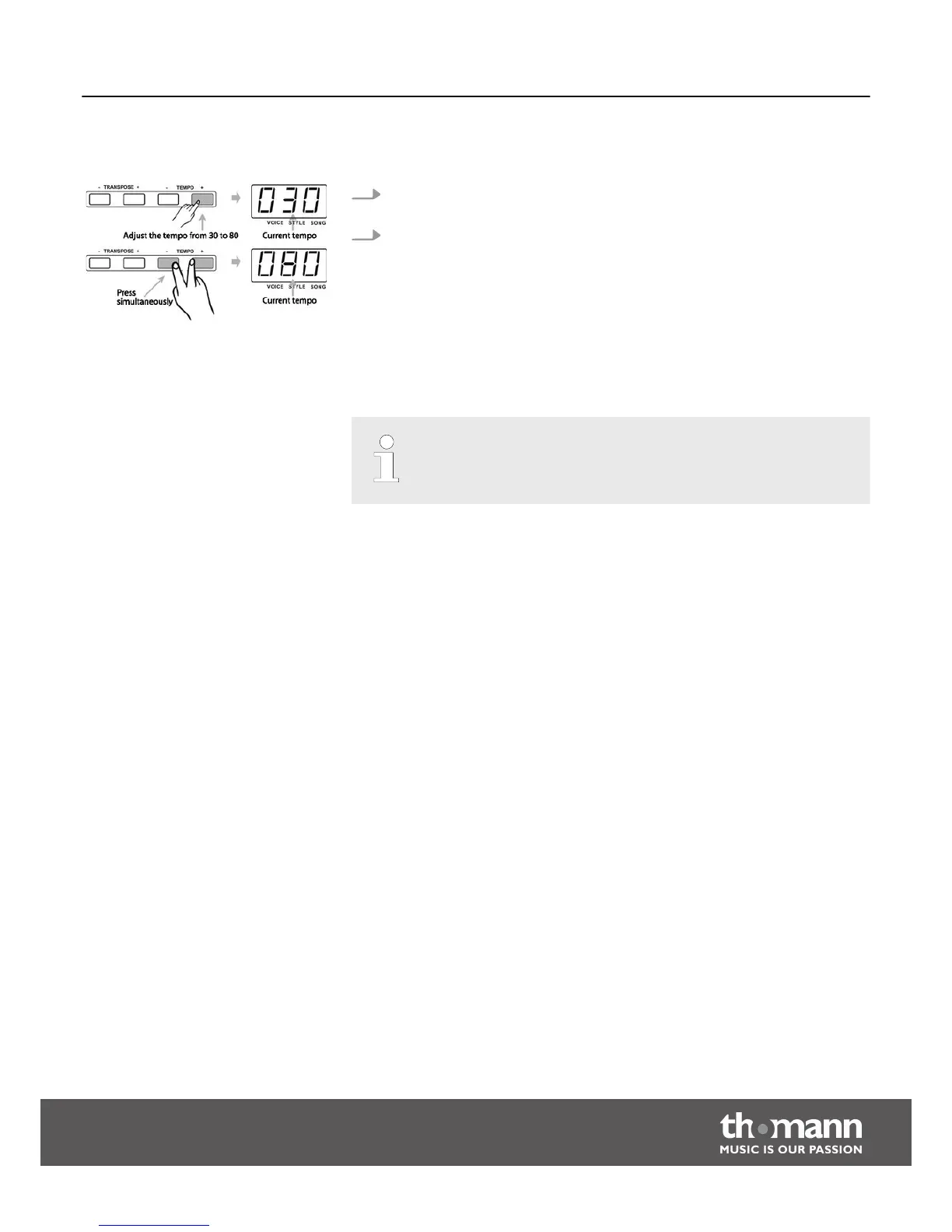
Tempo
1. Press the buttons [TEMPO+]/[TEMPO–] to adjust the tempo within a range of 30
to 280 bpm.
2. Press the buttons [TEMPO+]/[TEMPO–] simultaneously to reset the tempo to
the preset default value.
8.5
Recording and playback
With this digital piano, you can record your playing on two tracks.
– The recorded data won't be deleted when you turn off the digital piano.
Functions
DP-50
27



 To Next Page