8.2.5
Touch sensitivity
This function lets you adjust the touch response of the keyboard in four steps.
Parameter Description
‘OFF’ Touch sensitivity is off, very recommendable
when playing the organ voice.
‘001’ Soft
In this setting, the volume is higher than usual
even when playing with a soft touch.
‘002’ Normal
This setting corresponds to the usual touch
response of a keyboard.
‘003’ Hard
In this setting, the volume is lower than usual
even when playing with a hard touch.
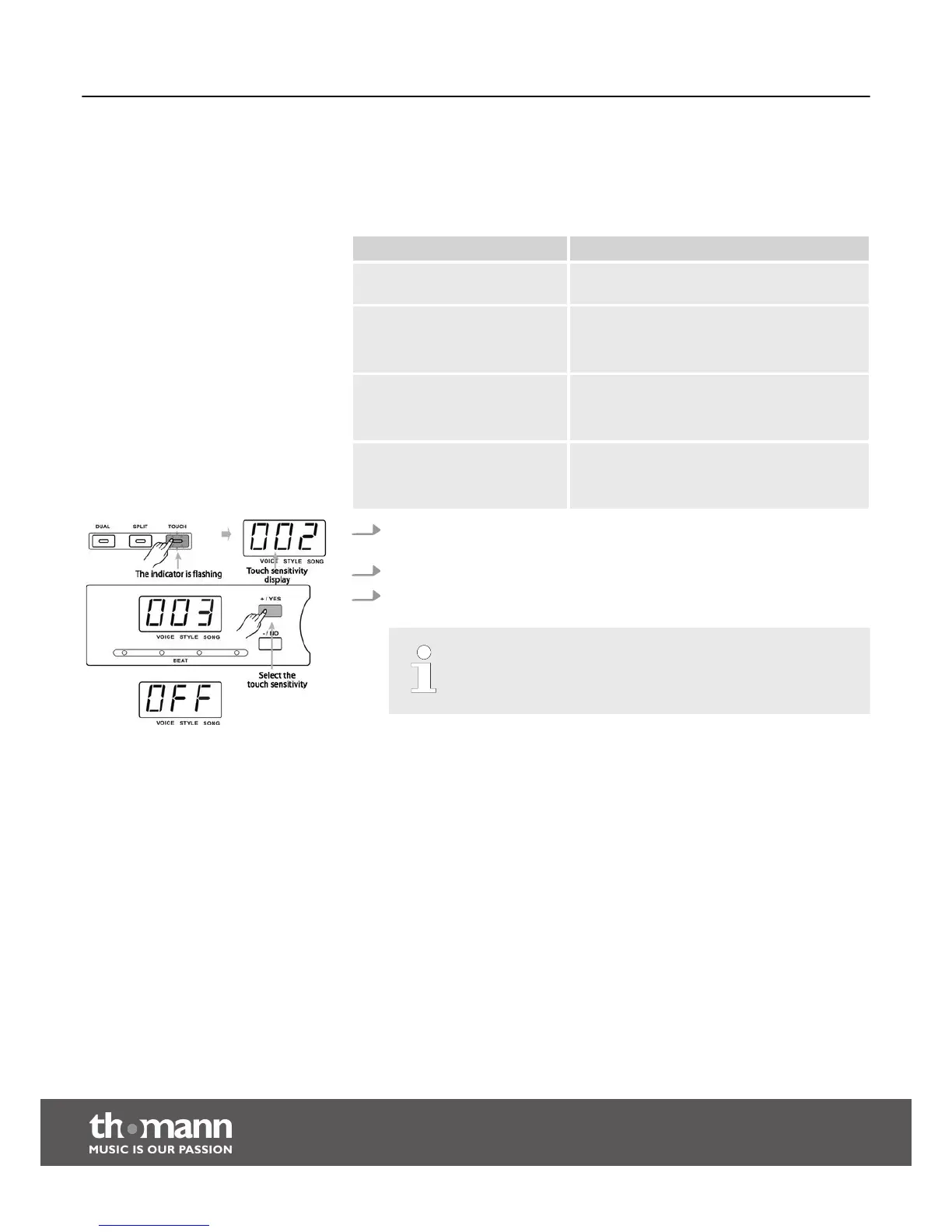
1. Press the button [TOUCH]. The indicator of the button [TOUCH] and the setting
‘002’ is briefly shown.
2. Press the [TOUCH] button repeatedly to select one of the settings.
3. When selecting ‘OFF’, the ‘TOUCH’ indicator and the touch sensitivity are
deactivated.
If you don't press a button for two seconds after calling the function
setting, the menu will automatically quit.
Functions
digital piano
22



 To Next Page