TSC 80e TRANSFER SWITCH CONTROLLER
PM091 Rev 1 09/02/27 Thomson Technology
7
• UP pushbutton. The UP function is used to change or increment a
programming value while in the programming mode and is used to scroll up
through the status menus or programming sub menus to the previous item.
• ENTER pushbutton. The ENTER function is used to access the Program
menus and “enters” and accept new programming or operating mode changes
after a new value has been selected.
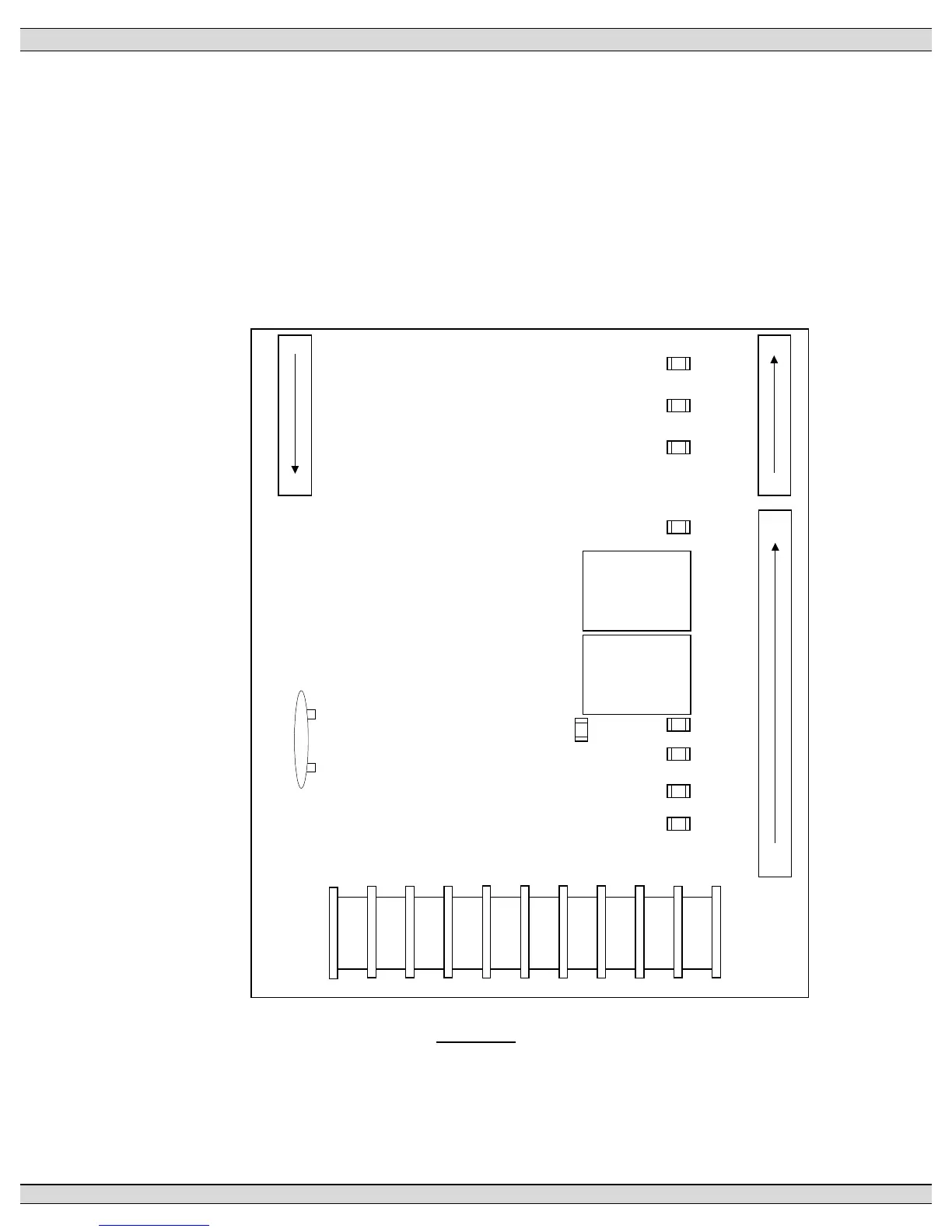
2.2. PRINTED CIRCUIT BOARD
TB2-5
TRANSFORMER
10
9
8
7
6
5
4
3
2
1
1
11
28
TRANSFORMER
44
38
TB1
TB7
SYS OK
XFER UTIL
XFER GEN
LD ON GEN
(PROG 4)
LD ON UTIL
(PROG 5)
ENG STOP
29
37
PROG 2
PROG 3
PROG 1
TB6
BT1
REAL TIME
CLOCK
BATTERY
FIGURE 2
The printed circuit board (PCB) is shown in FIGURE 2. The PCB contains the following user
interface items:











 To Next Page