ThurayaIP Satellite Modem User Guide
11
Change Rate
Change Rate Change Rate
Change Rate
Menu
MenuMenu
Menu
Comment
CommentComment
Comment
Rx: 256Kbps Selects 256Kbps Rx Streaming QoS
• Press the Modify button to scroll down the Standard and Tx QoS
values until you see the setting you want. When you scroll to
each setting, the displayed QoS value blinks, indicating that this
selection is pending. Press the Modify button to move to the next
setting without changing the pre-existing value.
• When the list of values is exhausted, press the Modify button to
lead you back to the first value. You can cancel the selection
and transition back to the status display via a short press of the
Power button.
• When you have found the value you want, press the Menu
button. This action selects the new rate. Once you select the
rate, you are transitioned to the Rx set of values unless you
selected “Standard” in which case you will exit rate selection.
• Navigation through and selection of the Rx values is the same as
for the Tx values. Use the Modify button to scroll through the list in
a circular manner, with cancellation achieved via the short press
of the Power button. Pressing the Menu button selects and stores
the new Rx rate, and you will then exit rate selection.
• When you select a new QoS, the old PDP context is deactivated
and a new PDP context is activated with the new rate selection.
If the rate selection did not change as a result of the selection,
then no PDP context change occurs.
R
ECEIVE
S
IGNAL
S
TRENGTH
D
ISPLAY
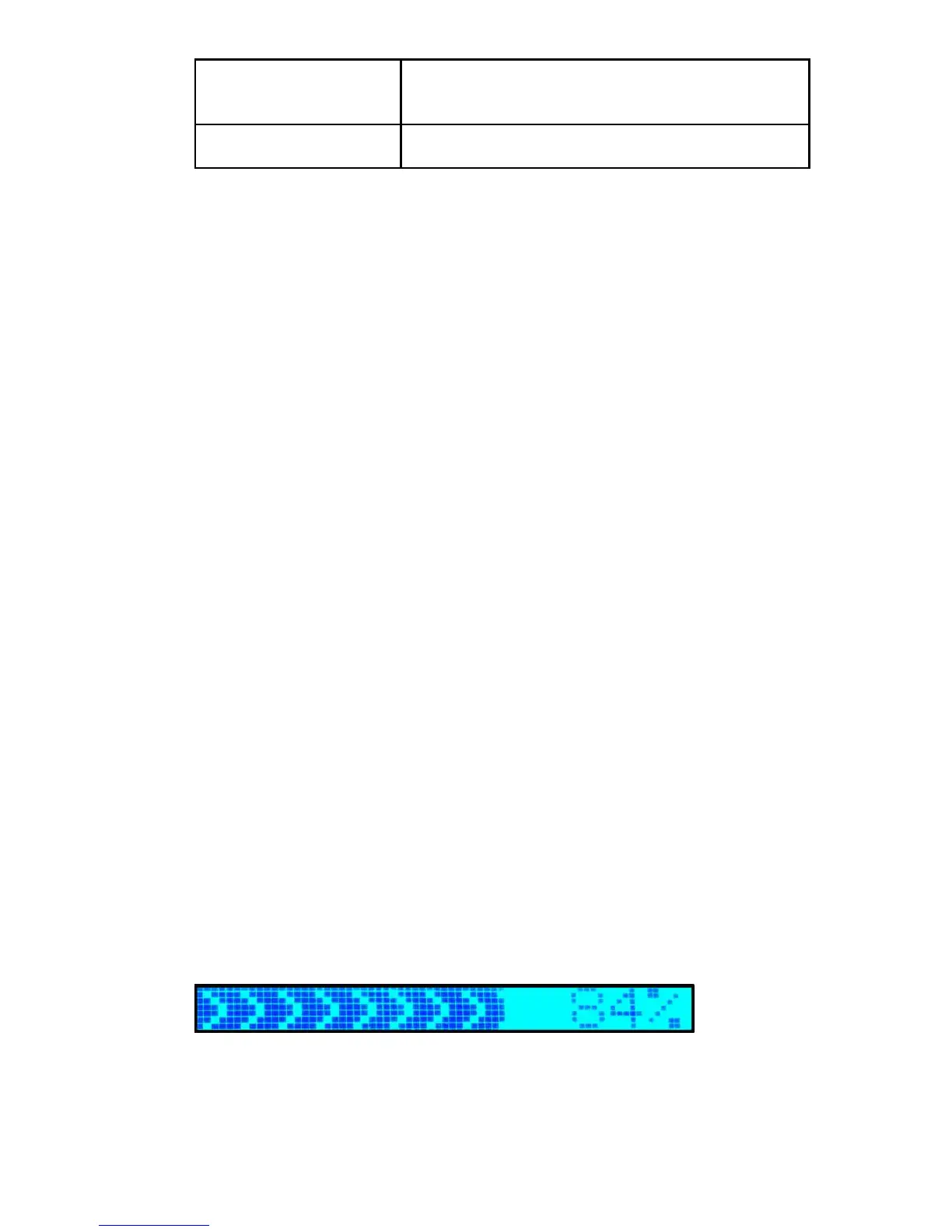
The lower row of the LCD is dedicated to RSSI (signal strength)
information. This is used to monitor incoming signal strength from the
Thuraya satellite and permit pointing or re-pointing to occur at any time
during operation. The display provides both a graphical and digital
indication of the signal strength.
The digital RSSI indication consists of a value between zero and 99. The
graphical RSSI indication is a 50-element bar graph of the RSSI.
The RSSI display updates rapidly for at least five minutes after a satellite
signal has been acquired or reacquired. After that acquisition, the RSSI
display may be updated less rapidly to conserve power if the modem is



 To Next Page