16
ThurayaIP Satellite Modem User Guide
Extract Terminal Summary Log: Fetched diagnostic data from the
terminal which can be saved on the connected computer.
Current Settings: provides the current communications parameters.
• Software Version currently executing
• Public Network IP Address
• Private Satellite Modem IP Address
• WLAN Access Point Name
• Modem International Mobile Equipment Identity (IMEI)
• SIM IMSI
• Ethernet, USB and WLAN MAC Addresses
S
TATISTICS
S
CREEN
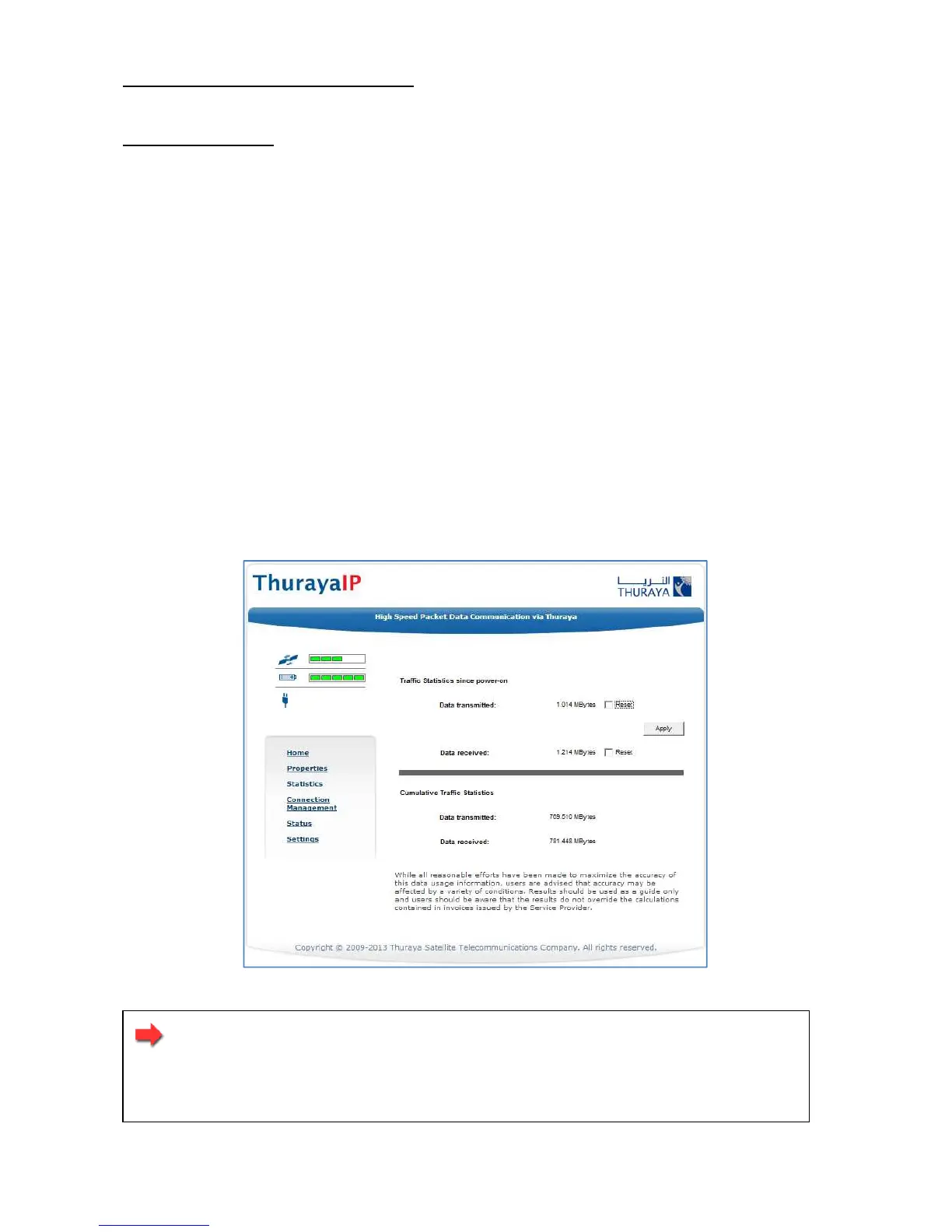
This screen provides you with an estimate of your data usage. Data
usage figures are obtained by counting the bytes in the IP packets
received by and sent from the ThurayaIP terminal. You can view both
“since power on” (per session) and “Cumulative” (lifetime) data usage
counts. To reset the data counters of a session, simply select the reset
button for either transmit or receive and click the Apply button.
Statistics Screen
Note: The data usage figures provided on the screen are
estimates only. This feature is not tied into the actual billing
system. Hughes assumes no liability if differences are found
between data usage figures and your actual bill.



 To Next Page