ThurayaIP Satellite Modem User Guide
21
parameter. Be careful to establish a suitable firewall on this device to
protect against malicious attacks from the Internet.
APN Selection: If use of multiple Internet Service Providers is required,
you can modify the current Access Point Name (APN) value. You should
modify these fields only if directed to do so by your Service Provider. The
choices are the following: Streaming-CBR, Refill, <BLANK> (enter the
desired name) and Disabled.
SAVE/ CANCEL: If you want the values you have entered to be
processed, click the SAVE button, exit the wMMI, and reboot your
computer. You will also need to turn ThurayaIP off and then on again so
that the new settings can take effect. If you want the values you have
entered to be ignored, click the CANCEL button and the Network
Settings remain as they were with no reboot required.
S
ECURITY
M
ANAGEMENT
S
CREEN
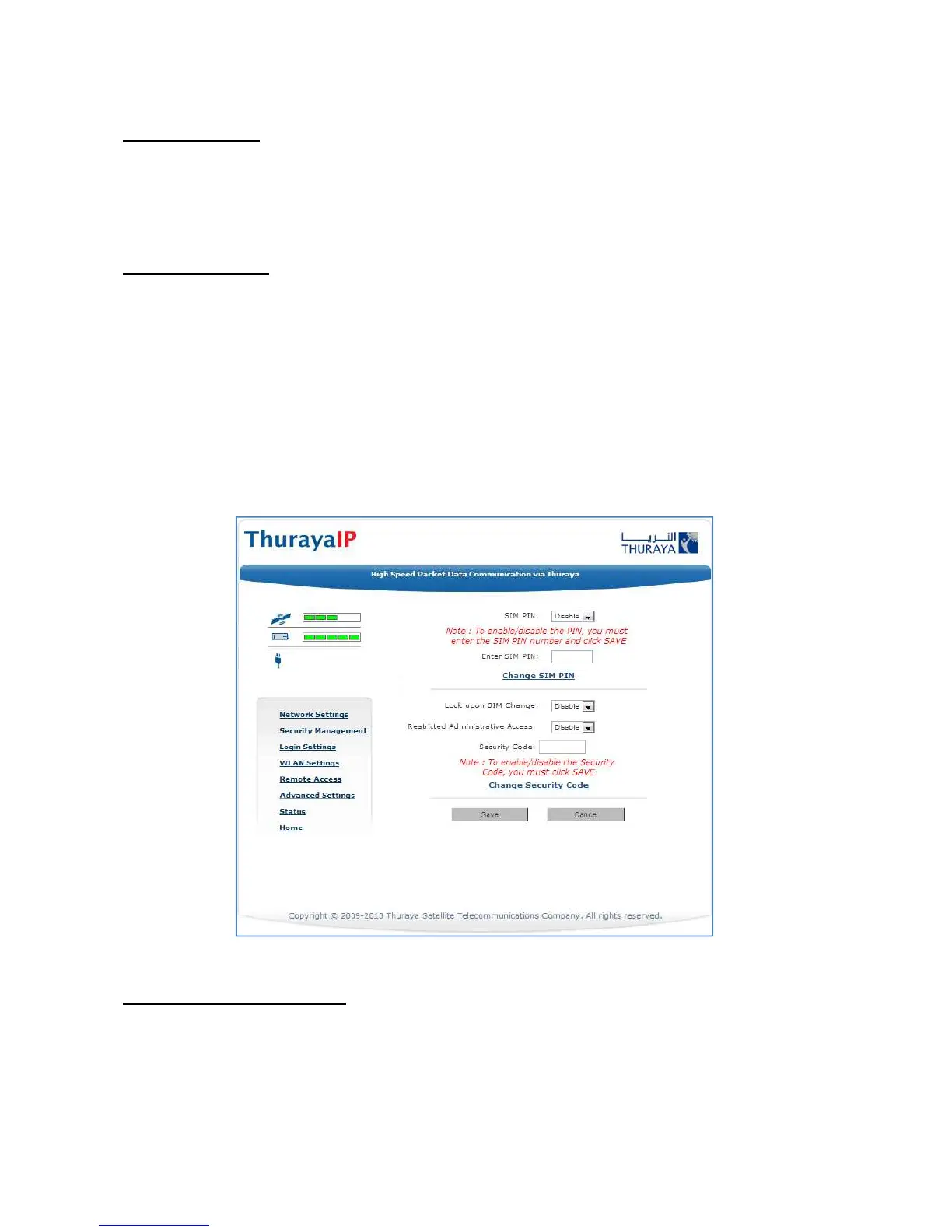
The Security Management screen allows you to impose a tighter level of
security on your ThurayaIP.
Security Management Screen
SIM PIN Disable/Enable: If Enabled, a prompt requests you to enter the
SIM PIN each time you power up the modem. This helps prevent
unauthorised use of your SIM. Disable this feature to skip the PIN entry
process. To change the setting, click the desired one, enter the current
SIM PIN (required), and click the Save button.



 To Next Page