12
ThurayaIP Satellite Modem User Guide
running on battery. Hint: If the rate is reduced to save power, the rapid
RSSI update mode can be re-enabled for 5 minutes if you short press the
Modify button while the status display is present.
Audible Pointing Indicator
An audible pointing indicator provides an audible representation of the
signal strength during antenna pointing. When on, the indicator emits
pointing tones that increase in tempo as the pitch increases. If the
satellite is not found, one tone is followed by a pause. The indicator
always defaults to off when the unit powers on. Use a short press of the
Connect button to toggle the audio pointing indicator on and off.
D
ISPLAY
I
CONS
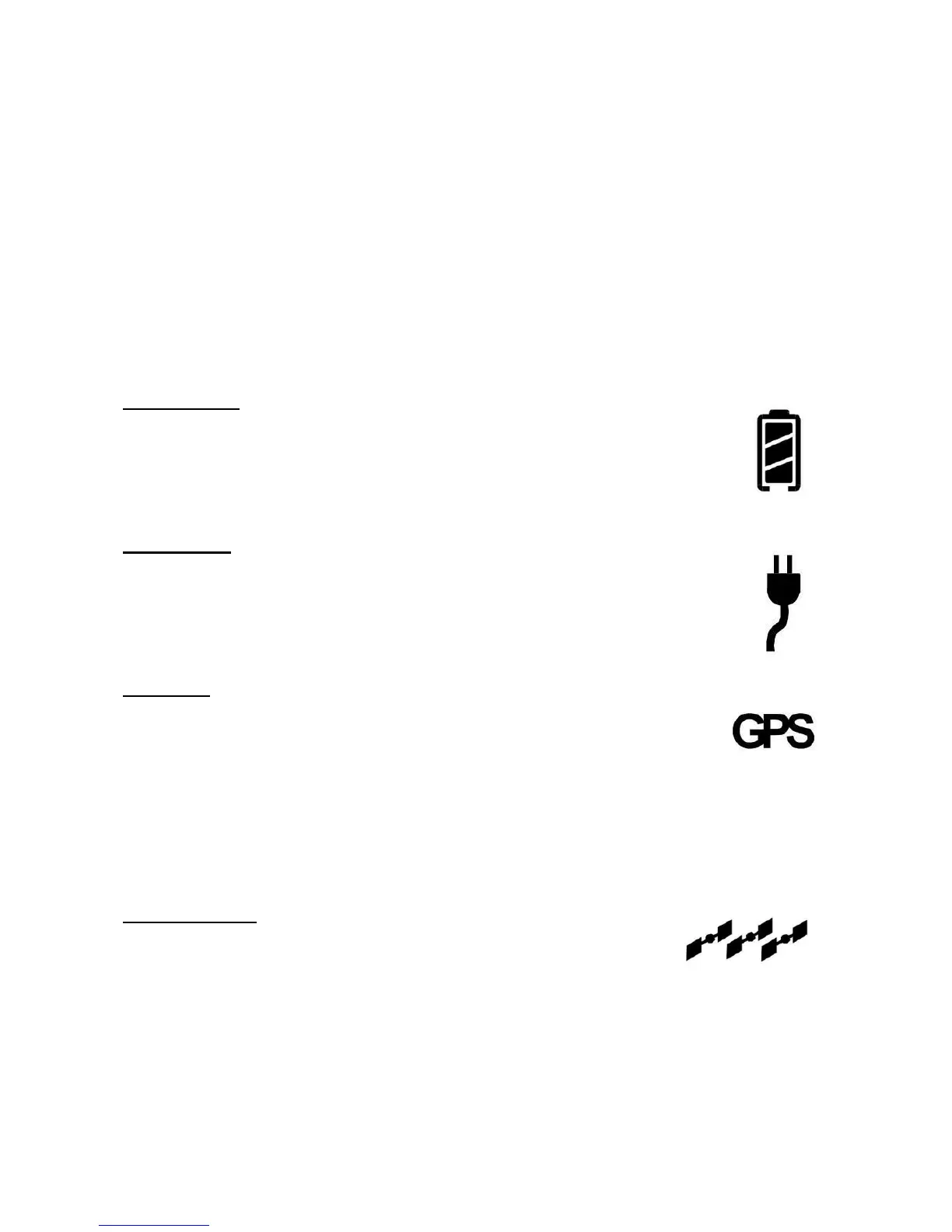
Battery Icon
The battery icon displays the estimated life of the battery while
under battery power. The battery icon also displays the
charging state while under external power.
Power Icon
The power icon displays the state of the external power input.
• On if external power is connected.
• Off if external power is disconnected.
GPS Icon
The GPS icon indicates the state of the GPS information in
the ThurayaIP, specifically whether the information is up-to-
date or should be refreshed.
• The icon flashes when the stored GPS information is older
than the GPS validity period.
• The icon is on steady when the stored GPS information is
within the GPS validity period.
Satellite Icons
The satellite icons, located next to the GPS icon,
indicate the status of the GPS receiver in the ThurayaIP
and the number of visible satellites.
• The icons are off when the GPS receiver is off.
• The icons are active when the GPS receiver is on, either
flashing or steady state. The number of icons in steady state
indicates the number of GPS satellites in view. You will need
all three on solidly to acquire a new GPS location.



 To Next Page