Announcements
12
Recording an announcement
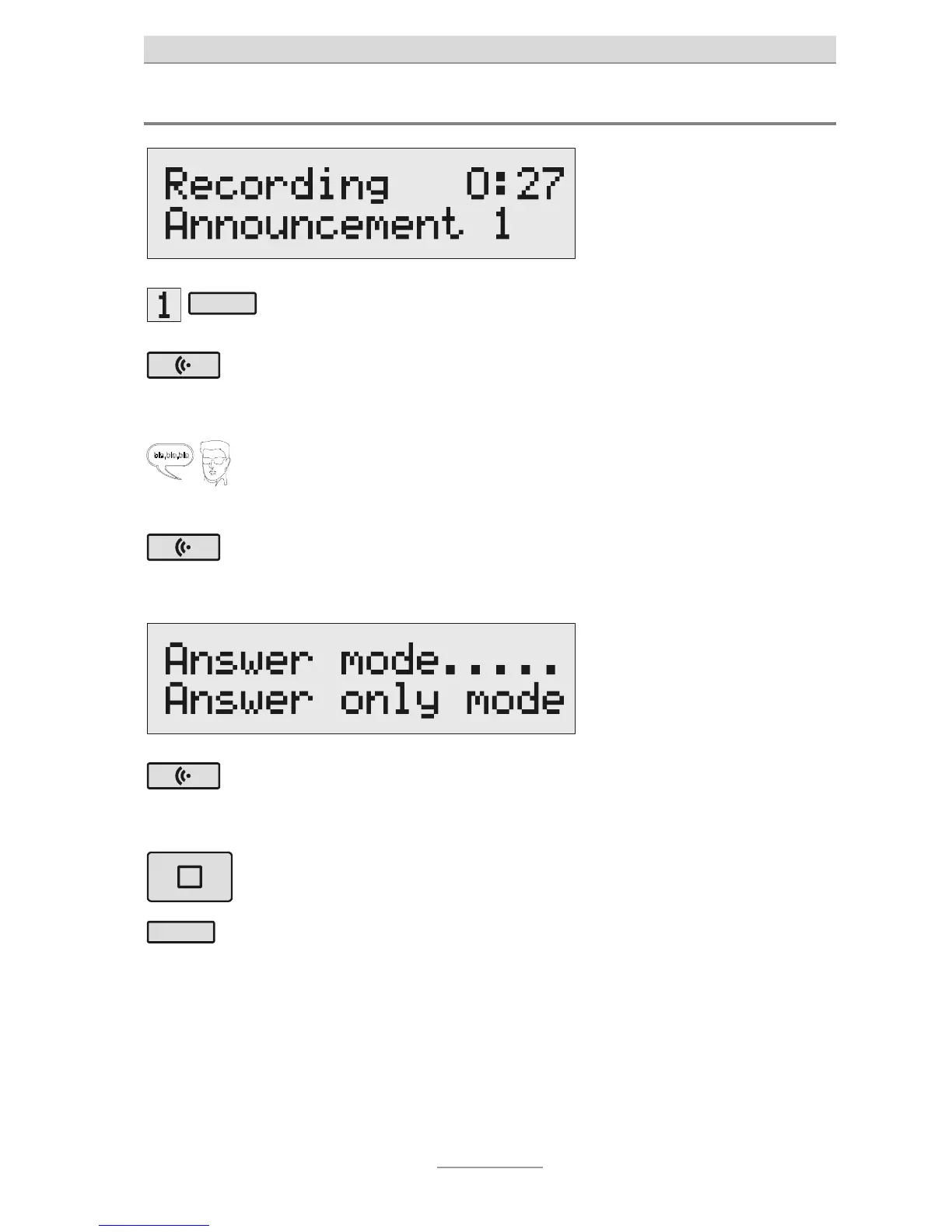
Press Select to choose your
desired announcement.
The announcement will appear at
he bottom-right of the display.
Press and hold Announce-
ment.
Wait until you hear a short beep.
Then "Recording.." will appear on
he display.
Start speaking (speak into
he microphone from a dis-
ance of about 15 cm).
The display will indicate how
many minutes and seconds you
have been speaking for.
To pause the recording,
release the Announcement
key.
"Recordable" and "Non-
recordable" will appear on the
display.
To continue recording, press
and hold Announcement
once more.
Recording will continue.
To cancel the recording,
press Stop.
The recording will be deleted.
Use the Select key next to
he corresponding line to
choose whether you want
dable or not.
Recording is complete and the
announcement will play again for
you to check. You will hear one
beep at the end of a recordable
announcement. You will hear two
beeps at the end of a non-
recordable announcement.



 To Next Page