Call list
23
Call list
General
The last 30 incoming calls together with information about the date
and time of the calls are stored in the call list. If the caller’s tele-
phone number has been transmitted during a call, it is displayed
in addition. You have the option to dial any telephone number from
the call list directly by just pressing a button. Individual entries from
the list or even the entire list can be deleted.
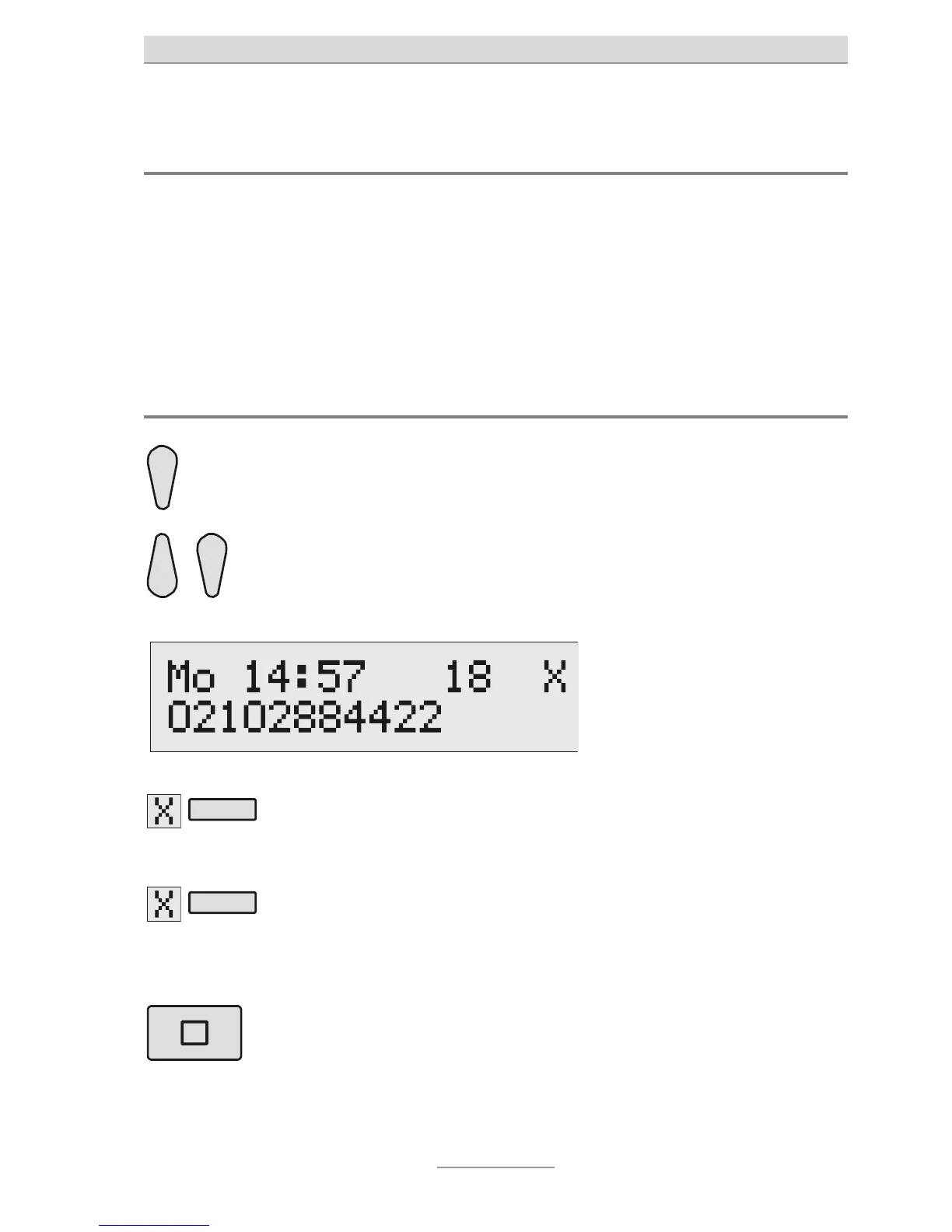
Browsing the call list
Press the Control key (up). The display will show the newest
entry in the call list.
ou can browse through the
whole list using the Control
keys (up/down).
If a name is available to the exter-
nal caller's number then the name
will be shown on the display
instead of the phone number.
Press the Select key next to
he delete symbol to delete
an entry.
The entry will be deleted.
2 secs
To delete the entire call
list, press the Control key
next to the delete symbol
for 2 seconds.
The entire call list will be
deleted.
To go out of the list, press
Stop.
The display switches back to its
initial status.



 To Next Page