Switching on and off
14
Switching on and off
Make sure there is enough recording memory available. You
can delete all messages or individual ones, when necessary.
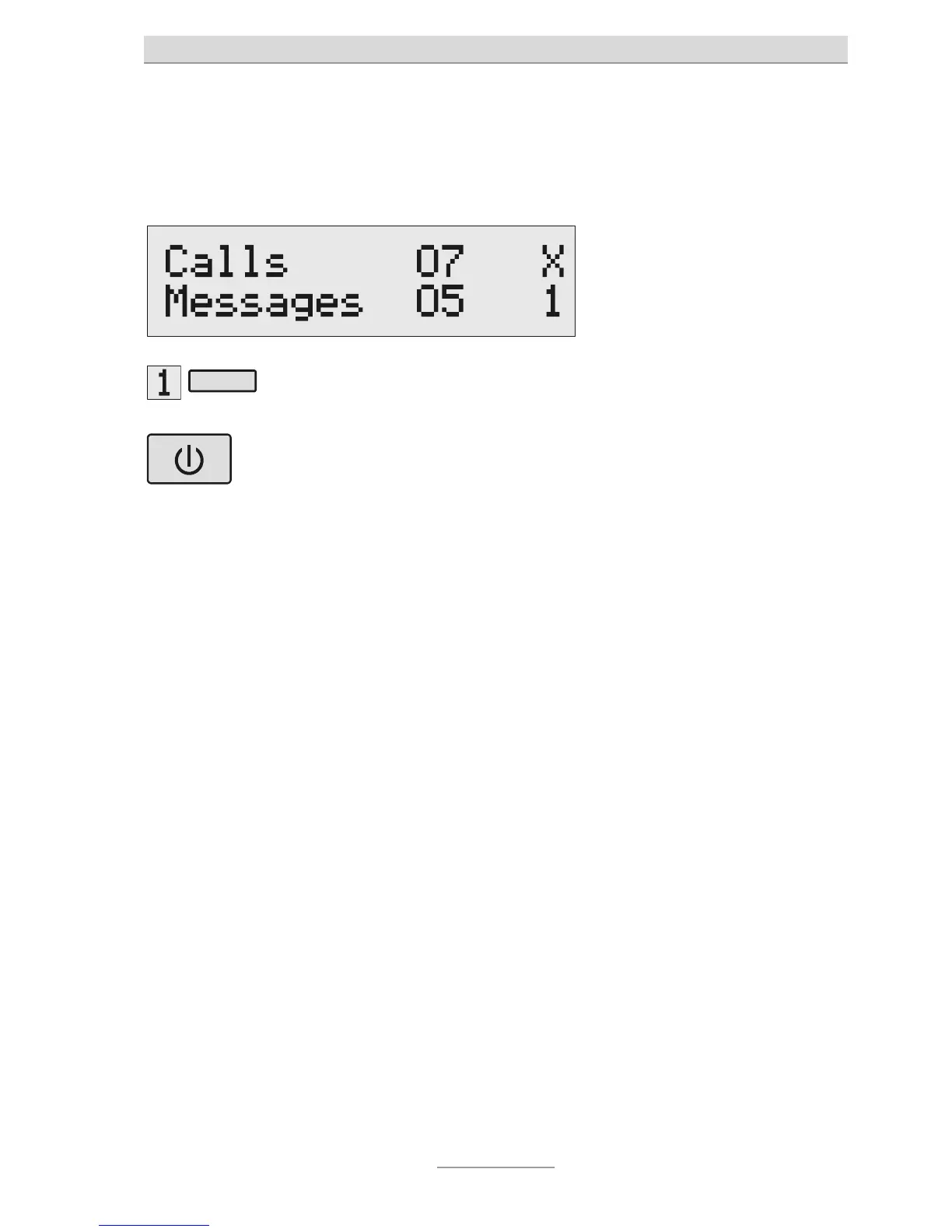
Press Select to choose your
desired announcement.
The announcement will appear at
he bottom-right of the display.
To switch on: P
ess On/Off. The LED will light up. With a non-
recordable announcement, two
lines will appear, representing
he number of messages. The
number of calls you have
received will flash while the
answering machine is dealing
with the call.
If the caller's phone number is
known, the display will change
and the caller's number will
appear on it for the duration of
ou can set the volume by
using the volume control.
ou can then listen to incoming
messages. You can lift the
receiver any time while the
message is recording to talk
he person calling you. The LED
will flash if there are any new
messages.



 To Next Page