Call list
24
Call back from the call list
Browse through the list and
select the desired entry (see
“Browse through the call
list”).
Press the Select key next to
he desired telephone
number.
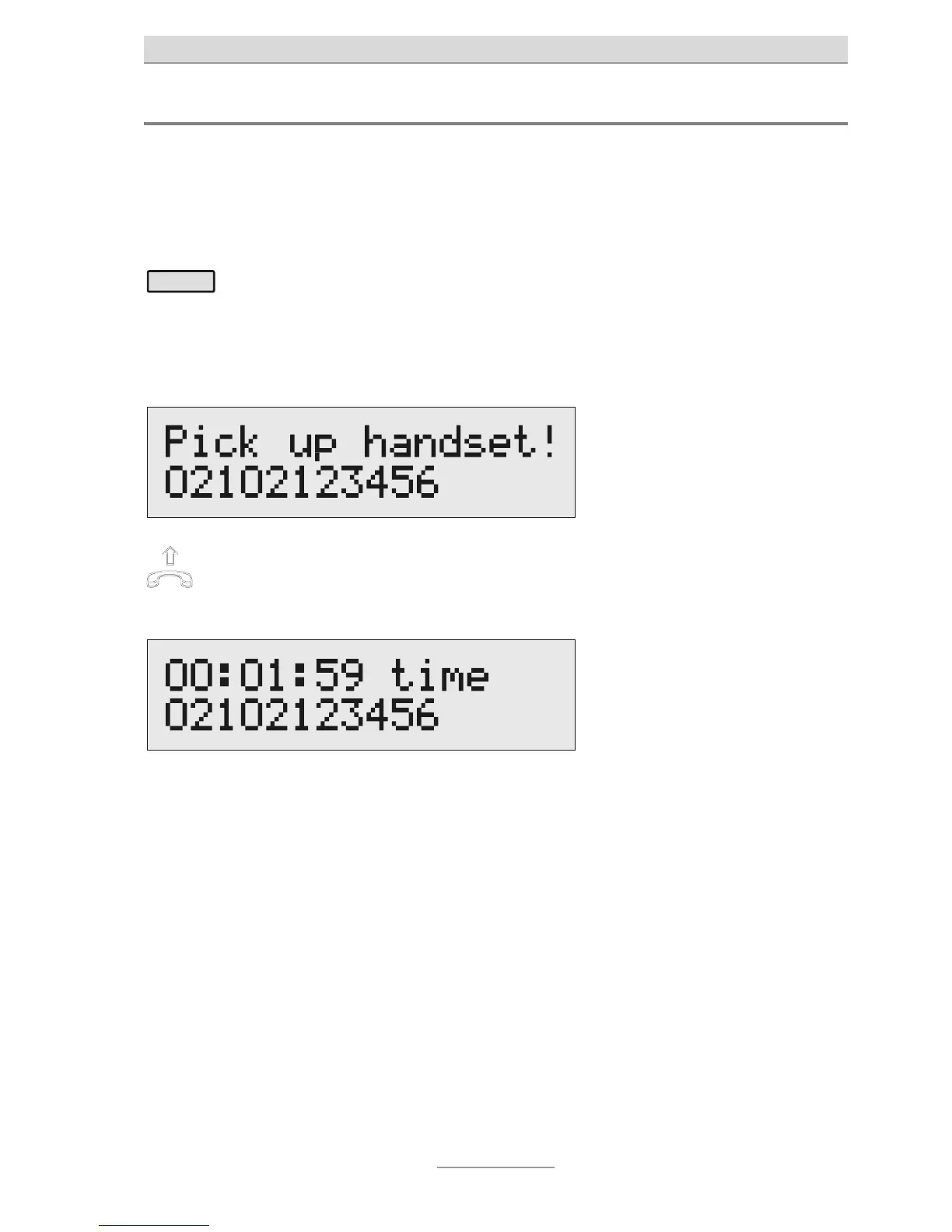
The telephone number is being
dialled. You can listen to the
dialling process via the integrated
loudspeaker.
After the dialling process, the
call can be taken over by
picking up the handset.
The display shows a stop watch
indicating the duration of the call.
The handset may not be picked up during the dialling
process, as otherwise errors might occur.



 To Next Page