Announcements
13
If you record announcement 3 as a non-recordable message,
your tiptel 333 will automatically switch to this message if the
recording memory is full.
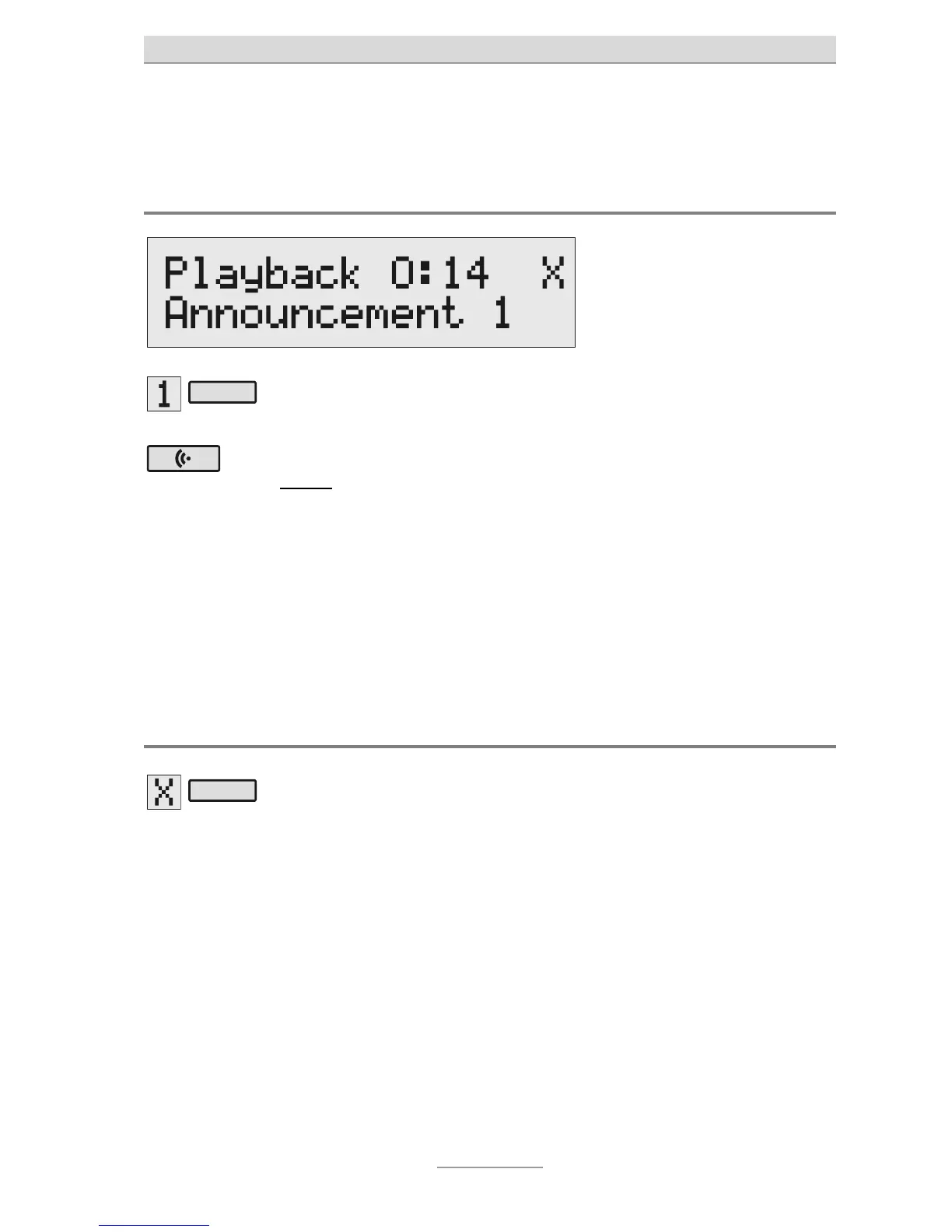
Checking announcements
Press Select to choose your
desired announcement.
The announcement will appear at
he bottom-right of the display.
Press Announcement
briefly.
our announcement will play
back. On the display will appear
he word Playback, the time
you have already listened to
he message and the sequence
number of the announcement.
ou can set the volume by
using the volume controls.
Deleting announcements
P
ess the Select key next to
he delete symbol during
playback.
The current announcement will be
deleted.



 To Next Page