Absent-subscriber-manager
26
Absent-subscriber-manager
If you have to leave your office for a short time, e. g. to attend in a
meeting, your tiptel 333 can inform callers in your absence at which
time you will be available again. In this case, the caller can hear the
following message:
“Hello, and thanks for calling. Please call back at …. I repeat ...
Thank you, the unit disconnects now, good bye.”
After the set time has expired, your tiptel 333 automatically switches
this message off.
2s
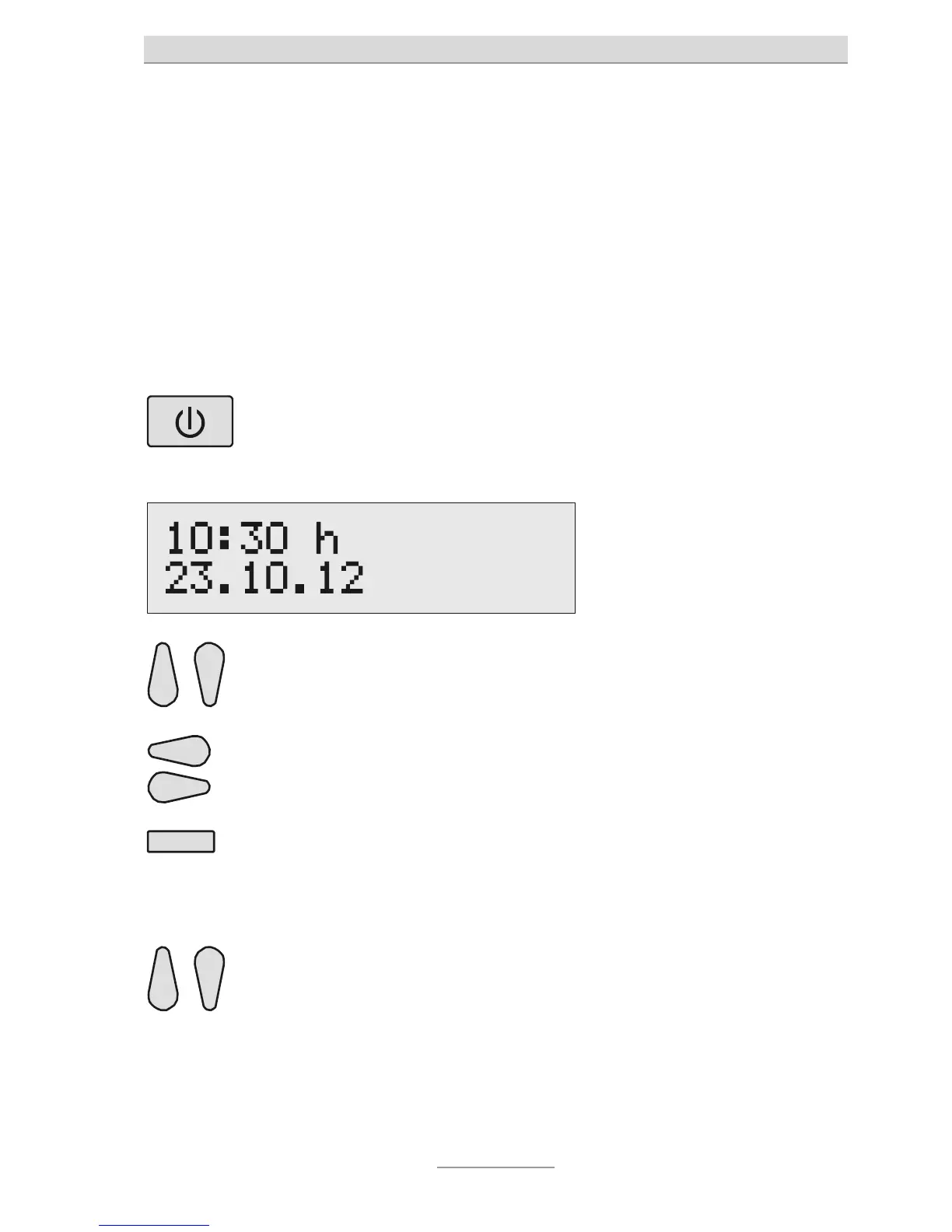
Press Answering mode
for 2 seconds.
The display changes and
indicates the current time and
date. The hours blink.
Use the Control keys (up/
down) to set the requested
he entry positions.
By means of the Select key
next to the date, it is possible
down) to set the requested
date.
If the date is modified, also day
and month will be announced.



 To Next Page