Playing back and deleting messages
16
Playing back and deleting messages
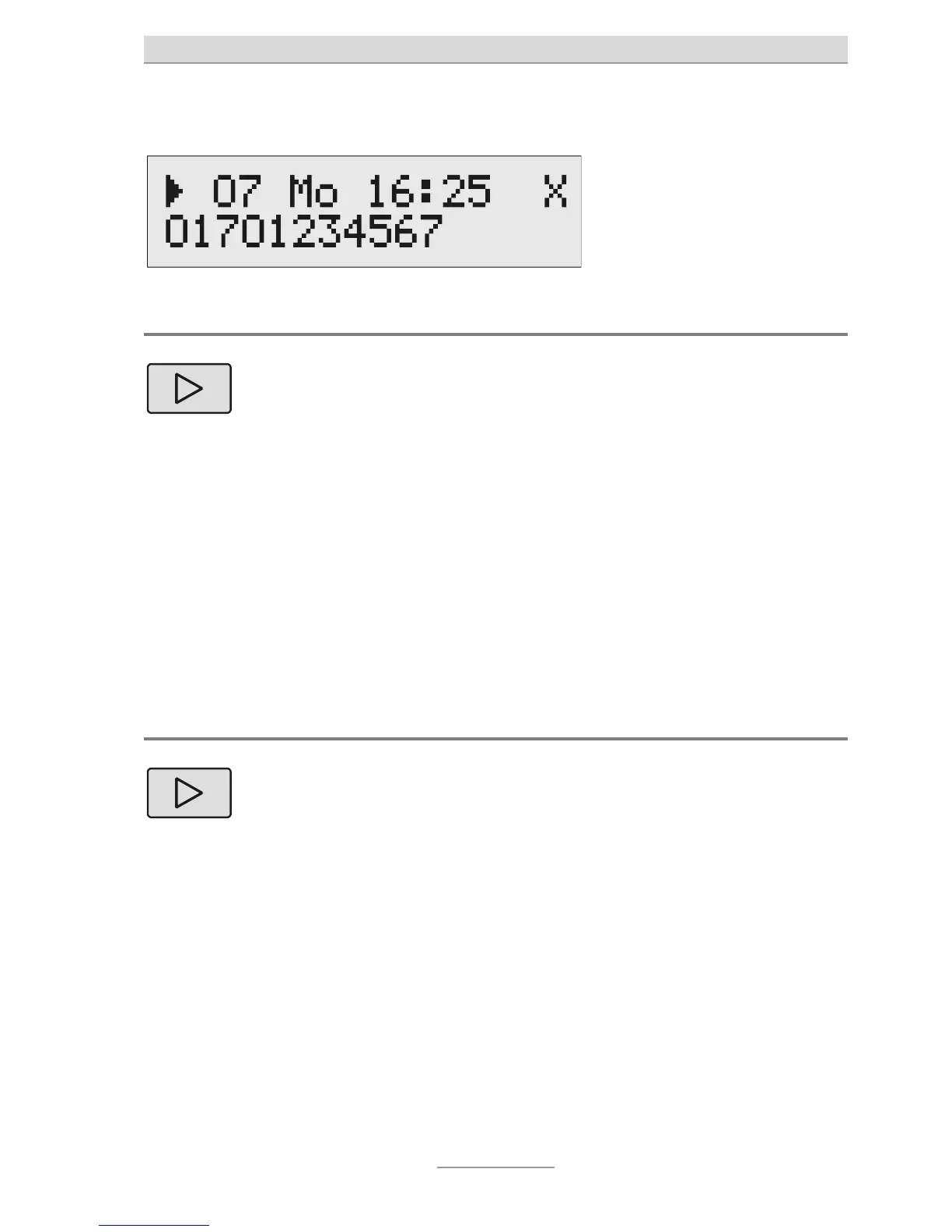
Playing back new messages
Press Playbac
. Playback of new messages which
you have not yet listened to will
begin. The message's sequence
number and the phone number of
he caller of the current message
will appear on the display. At the
end of each message, you will be
informed of the date and time that
ou can set the volume by
using the slide control.
Playing back all messages
2 secs
Press Playbac
for
2 seconds.
Playback will begin at the first
message.
If the phone number of the caller has been transmitted you
can directly return the call from the mailbox. Please press the
selection key next to the phone number.



 To Next Page