Settings
34
Setup menu
and
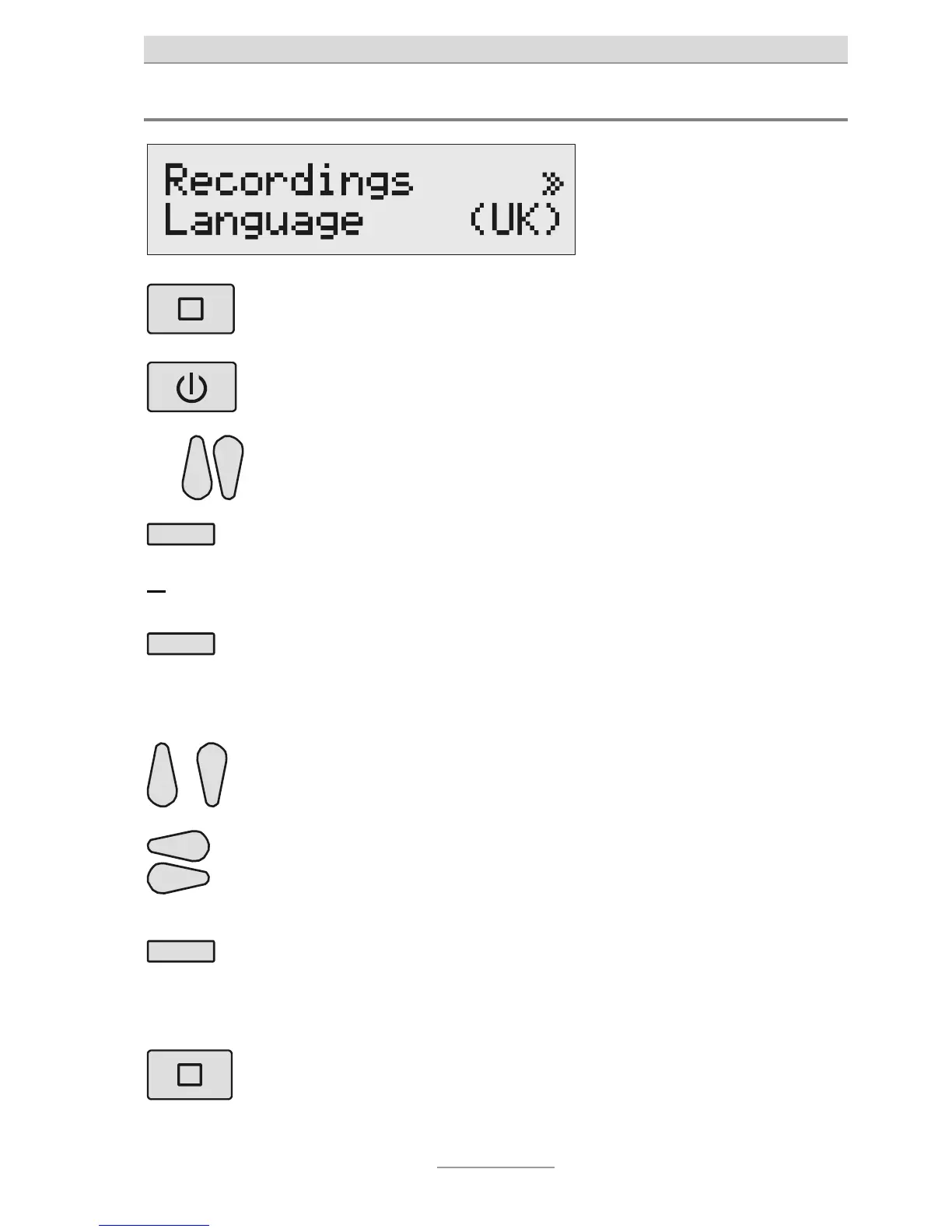
Press Stop and On/Off
ogether:
The setup menu will appear on
he display.
Search for the desired setup
option using the Control keys
(up/down).
All setting sub-sections will
appear on the display.
or
Press the Select key next to
he setting you would like to
change until the desired set-
ing appears on the display.
The display will show the current
setting.
If you are required to enter
digits, press the Select key
next to the corresponding
line.
The cursor will blink. Move the
cursor a few times and the pre-
vious setting will be deactivated.
Change the setting using the
Control keys (up/down).
The display will count up or
down.
With multi-digit settings, use
he Control keys (left/right)
o move the cursor to the
desired place.
The cursor will blink at the
desired place.
To finish the digit entry, press
he Select key once more,
next to the corresponding
line.
The cursor will stop blinking.
To finish inputting, press
Stop several times.
The display will return to the
original state.



 To Next Page