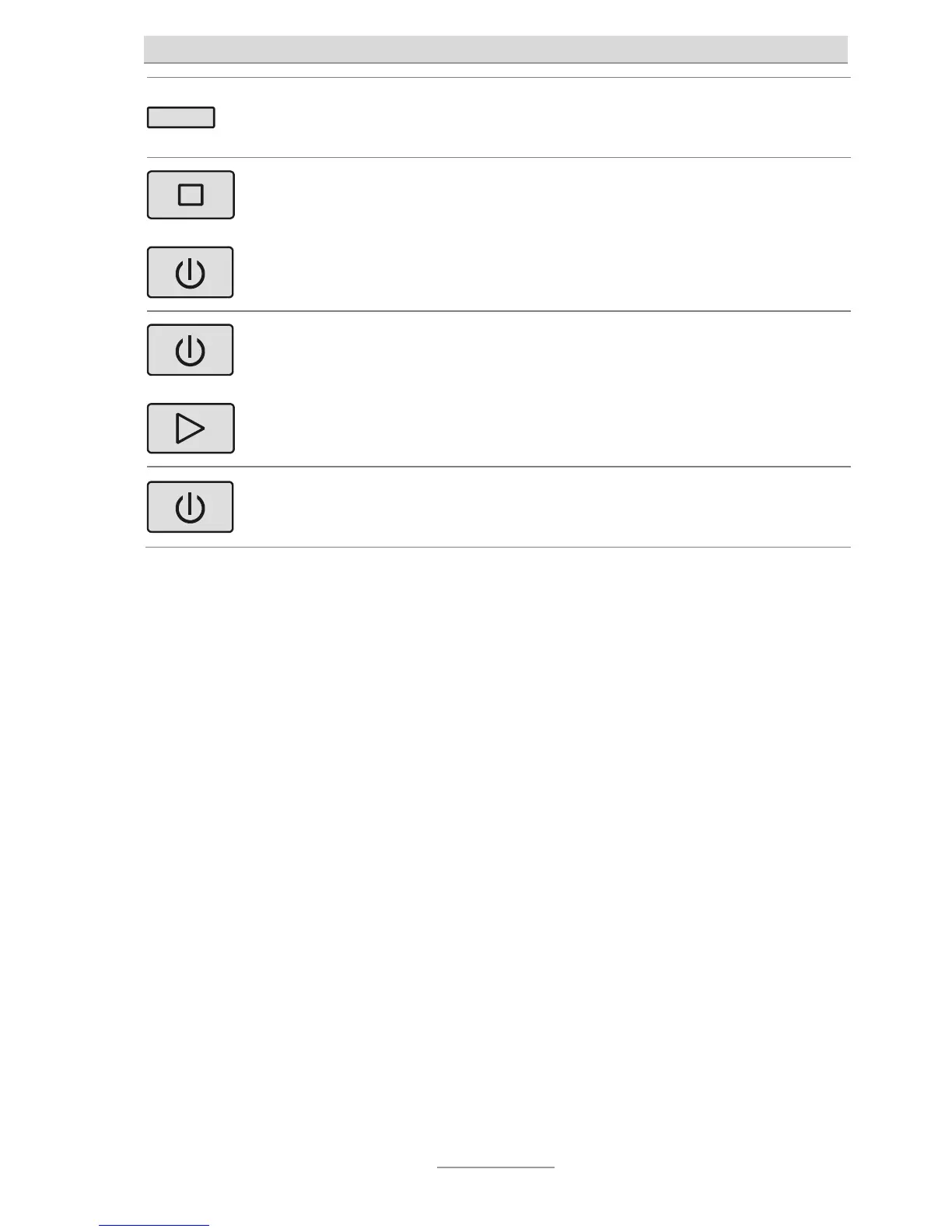
Assignment of keys
7
Select: Press this key to select input fields and functions
which appear in the display next to the corresponding key.
and
Stop and On/Off pressed at the same time: Opens the setup
menu.
and
On/Off and Playback pressed at the same time: Activates or
deactivates the message transfer function.
2 secs
On/Off pressed for 2 seconds: Opens the set-up menu of the
absent-subscriber-manager.



 To Next Page