@
ToolkitRC
2019
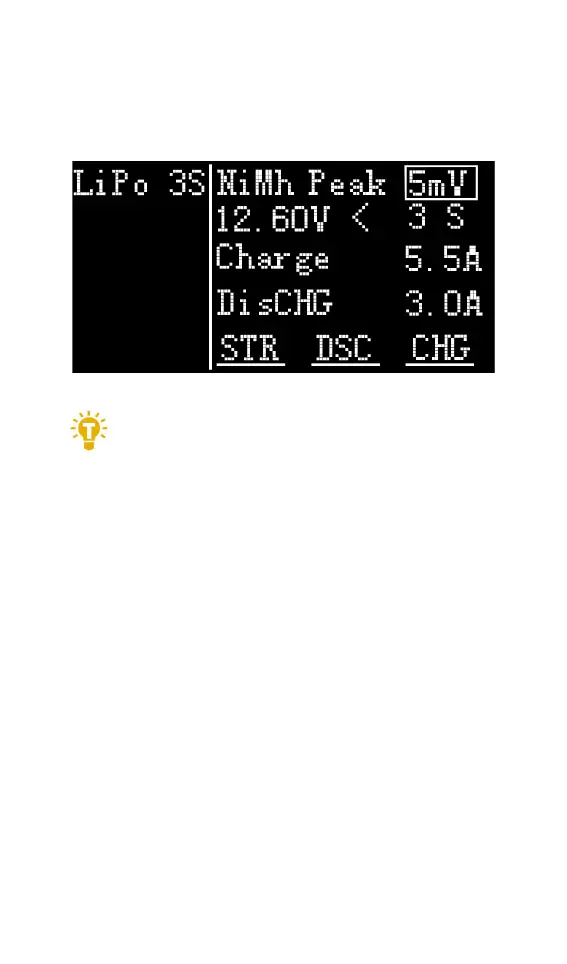
negative pressure value when the battery is full, and
the range can be set from 5mV to 20mV, as shown
below.
=================================
1, only NiMh battery can set the battery
negative pressure value
2, vocabulary explanation:
PeakV: Peak voltage drop per piece when
NiMH battery is full
=================================
4,Battery Setting
Move the cursor to the [Auto] or [xS] and press
the [OK] button to change the number of battery
strings. Turn the [Jog wheel] to adjust the value.
When set to [Auto], the charger will automatically
recognize the number of connected batteries
according to the voltage of battery which connected
with output port.



 To Next Page