@
ToolkitRC
2019
System settings
After selecting the [Settings] function on the main
interface, press the OK key to enter the function
display the following interface, rotate the [Jog] to
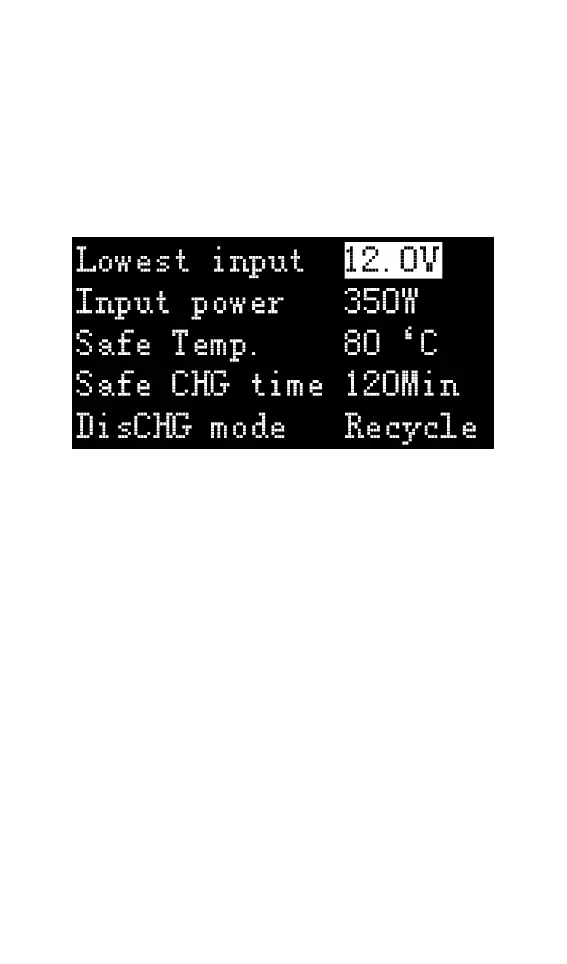
switch to the second interface, as shown below
Function Description:
Minimum input voltage: Below this voltage, the
device will stop the main port output.
Maximum input power: The maximum power
obtained from the input port during charging.
Safe operating temperature: above this temperature
value, the device will stop the main port output
Safe charging time: The maximum time for
continuous charging and discharging, will stop
working if it exceeds
Discharge mode: Can be set to normal discharge,
discharged by internal heat dissipation. Or recycle
the discharge and recover the energy to the input
power source (the input must be rechargeable



 To Next Page