@
ToolkitRC
2019
Quick start
1, The 10-30V power supply is connected to the
input port on the back of the M8
2, The display shows the bootup logo and stays
for 2 seconds
3, Accompanied with do-re-mi bootup sound
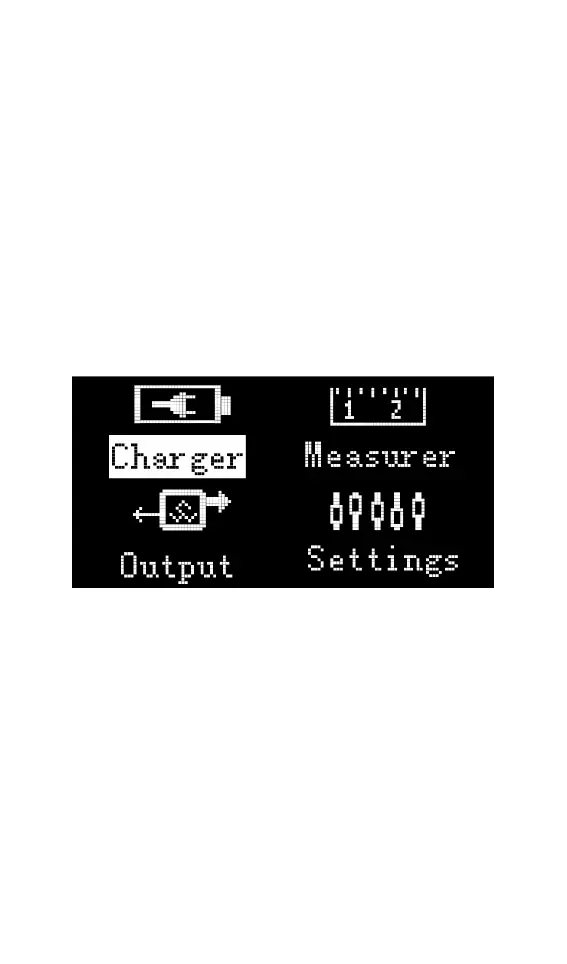
4, the bootup is completed, the display enters
into the main interface as shown below
5, Rotate the Jog wheel, move the cursor to
select function, press the button on knob to
enter the selected function and enter the
corresponding interface
6. After entering the related function interface,
rotate the Jog wheel to move the cursor to
select the setting item or value, press the Jog,
and modify the option or value. After the
modification is completed, press the Jog



 To Next Page