@
ToolkitRC
2019
Charge and discharge
After selecting the [Charge] function on the main
interface, press [OK] to enter the charging function,
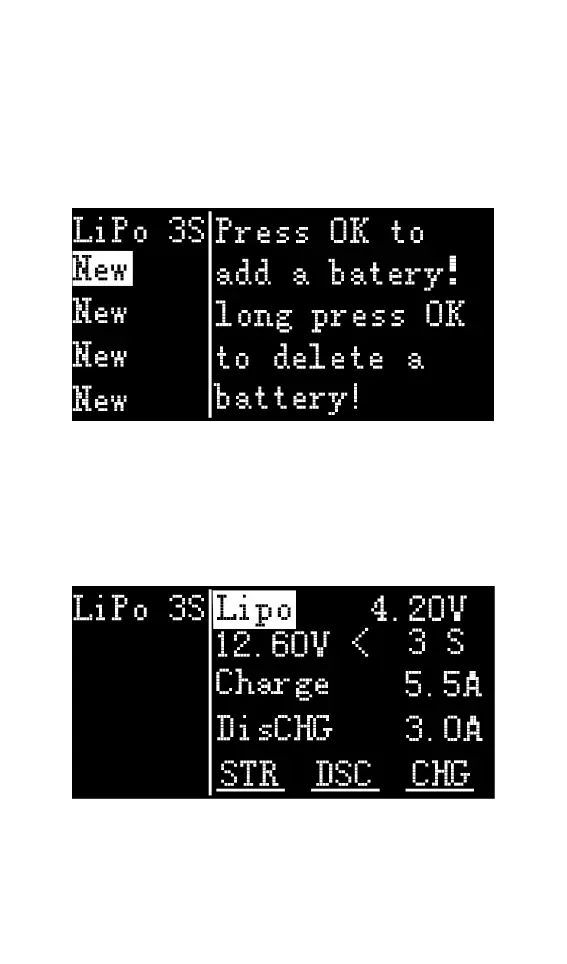
the following interface is displayed.
1,Battery type setting
Rotate the Jog wheel, move the cursor, select the
battery that has been set, or create a new battery,
press [OK] to enter the battery setting interface, as
shown below.
Move the cursor to [Lipo] and press [OK] to modify
the battery type. The charger supports charging and
discharging five types of batteries: Lipo, LiHV, LiFe,



 To Next Page