@
ToolkitRC
2019
Battery Measurement
After selecting [Battery] function in the main
interface of measurement, press [OK] to enter the
function and display the following interface.
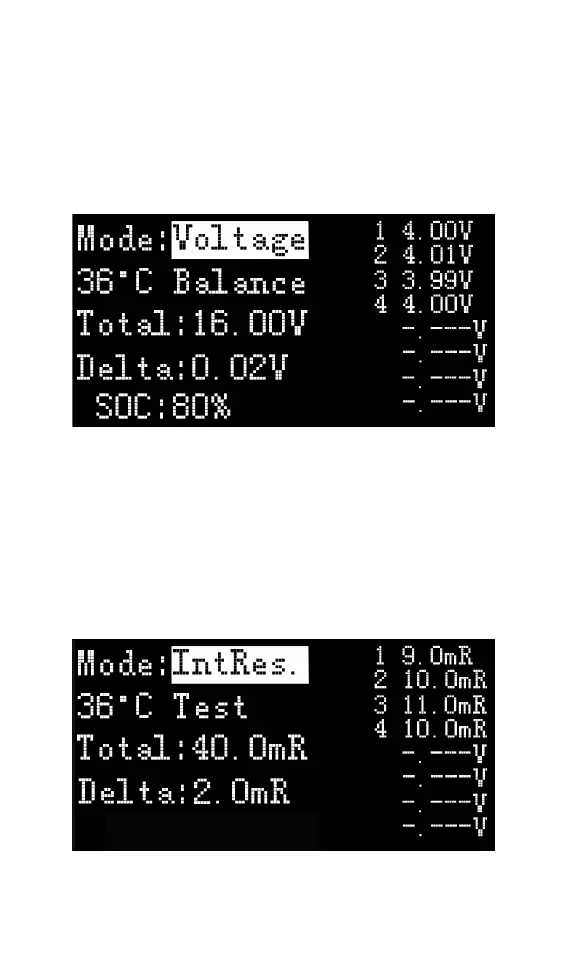
This interface displays the current battery
voltage value and range. Rotate the Jog, move the
cursor, select [Balance], and press [OK] to start
balancing management of the batteries. Move the
cursor to the [Voltage] position, press [OK], switch to
internal resistance mode and display the following
figure.
Move the cursor to [Test], press [OK] once to start



 To Next Page